
MacBook, iMac, and All-in-One Data Recovery
Lost access to important files on your MacBook, iMac, or all-in-one computer? At mService Sweden AB, we provide professional data recovery in Stockholm for devices affected by storage failure, liquid damage, startup problems, and accidental data loss.
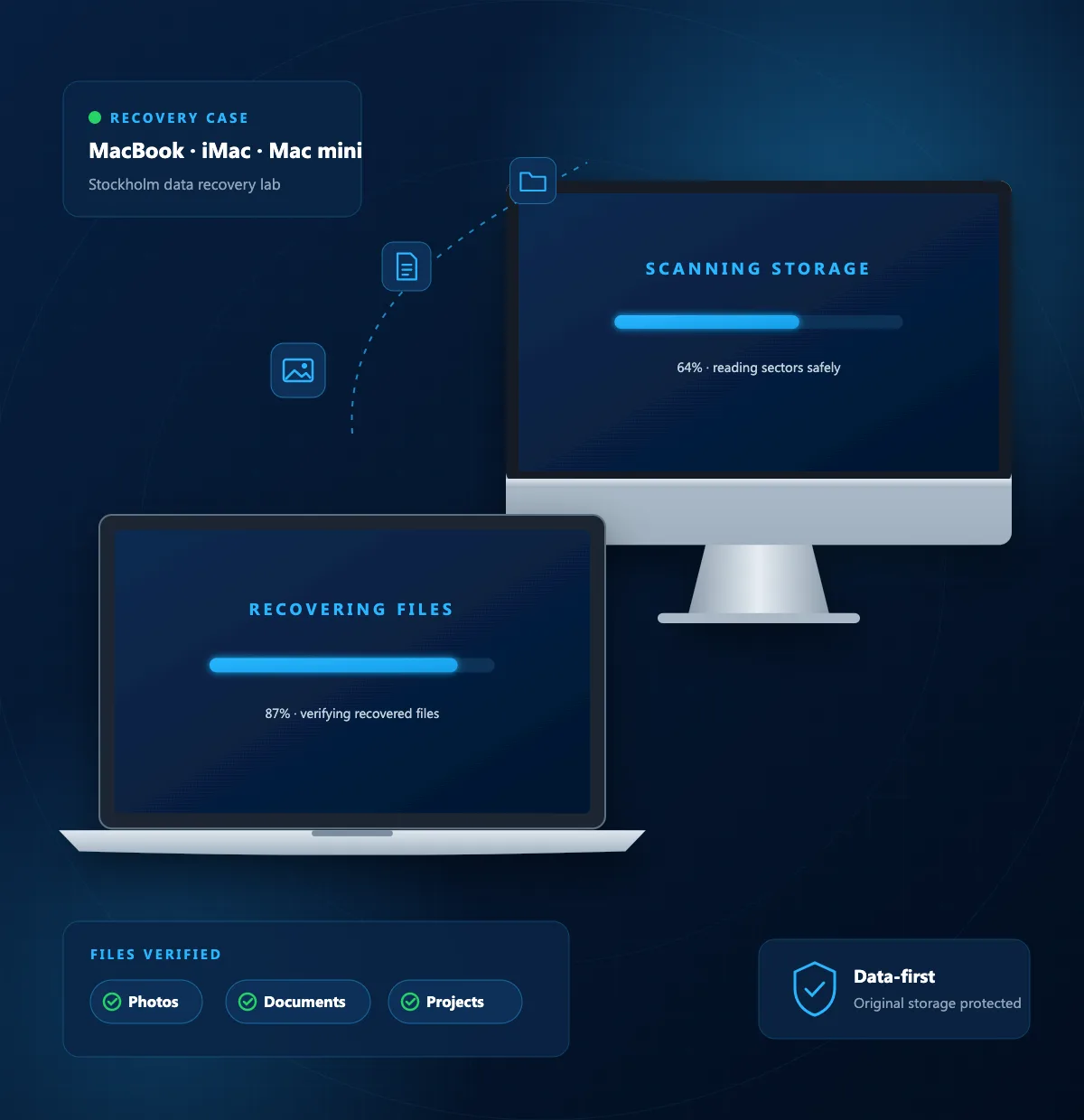
Whether you need personal photos, business documents, or project files, we assess your device and explain the available recovery options. Our priority is to recover accessible data while protecting the original storage from unnecessary changes.
Professional MacBook and iMac Data Recovery in Stockholm
A computer that will not start does not always mean your files are lost.
The problem may involve the power supply, logic board, operating system, or storage device. Identifying the cause is the first step in choosing the right recovery method.
At mService, we assess MacBook and iMac recovery cases individually. We consider the device model, storage configuration, damage, and encryption before recommending next steps.
Recovery cannot be guaranteed. You receive a clear explanation of the findings, likely limitations, and proposed work before deciding whether to continue.
MacBook Data Recovery Services
Your MacBook may hold years of photographs, work documents, study materials, and creative projects. When those files become inaccessible, our MacBook recovery service focuses on retrieving the data you need.
We assess MacBook, MacBook Air, and MacBook Pro devices affected by problems such as:
- 01A MacBook that will not turn on or complete startup
- 02Internal storage that is not detected
- 03Liquid spills and logic board damage
- 04Unexpected shutdowns or interrupted file transfers
- 05Deleted files and damaged file systems
- 06Physical damage after a drop or impact
iMac Data Recovery Services
An iMac storage problem can interrupt both personal use and business operations. Missing folders, slow performance, startup errors, or an unreadable drive may indicate a problem that requires assessment.
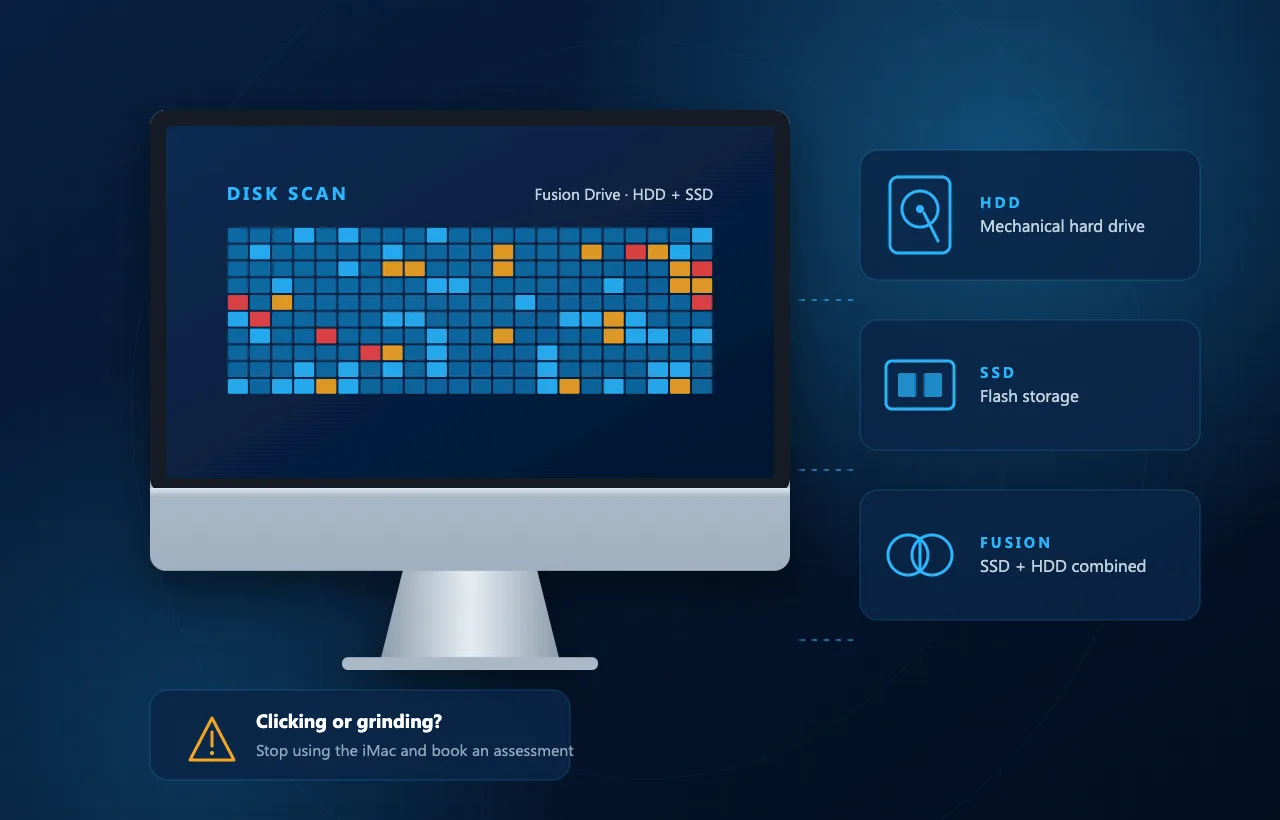
Our iMac recovery service covers cases involving hard drives, SSDs, and Fusion Drive configurations. We investigate the storage and surrounding hardware to determine what is preventing access to your files.
If your iMac makes unusual clicking or grinding sounds, stop using it and arrange an assessment. Repeated startup attempts may place additional stress on a failing mechanical drive.
Mac mini Recovery Services
A Mac mini may be compact, but the files stored inside it can be essential to your work. We assess Mac mini recovery cases involving startup failure, inaccessible storage, accidental deletion, and hardware damage.
Intel and Apple silicon Mac mini
Older Intel-based models and newer Apple silicon models have different storage designs. The available recovery options depend on the model, the condition of the original components, and whether the data can be decrypted.
Windows all-in-one computers
We also assess Windows-based all-in-one computers. Our all-in-one recovery service focuses on the internal HDD or SSD, whether the device has a damaged screen, a power fault, or a storage-related failure.
Common Mac and All-in-One Data Loss Problems
Data can become inaccessible suddenly or after a series of warning signs. Understanding what happened helps us plan the assessment and avoid unnecessary work. Common problems include:
Storage failure that prevents the computer from reading files
Accidental deletion of documents, photographs, or folders
Formatting of the wrong drive or partition
Liquid damage affecting power and electronic components
Physical damage caused by drops or impacts
File system corruption that makes a volume unreadable
Startup failure that prevents access to otherwise intact data
Interrupted updates or power loss followed by access problems
Data Recovery from MacBook SSDs
MacBook SSD recovery requires an approach matched to the device’s storage design. Removable SSDs, soldered storage, and hardware-encrypted storage cannot all be handled the same way.
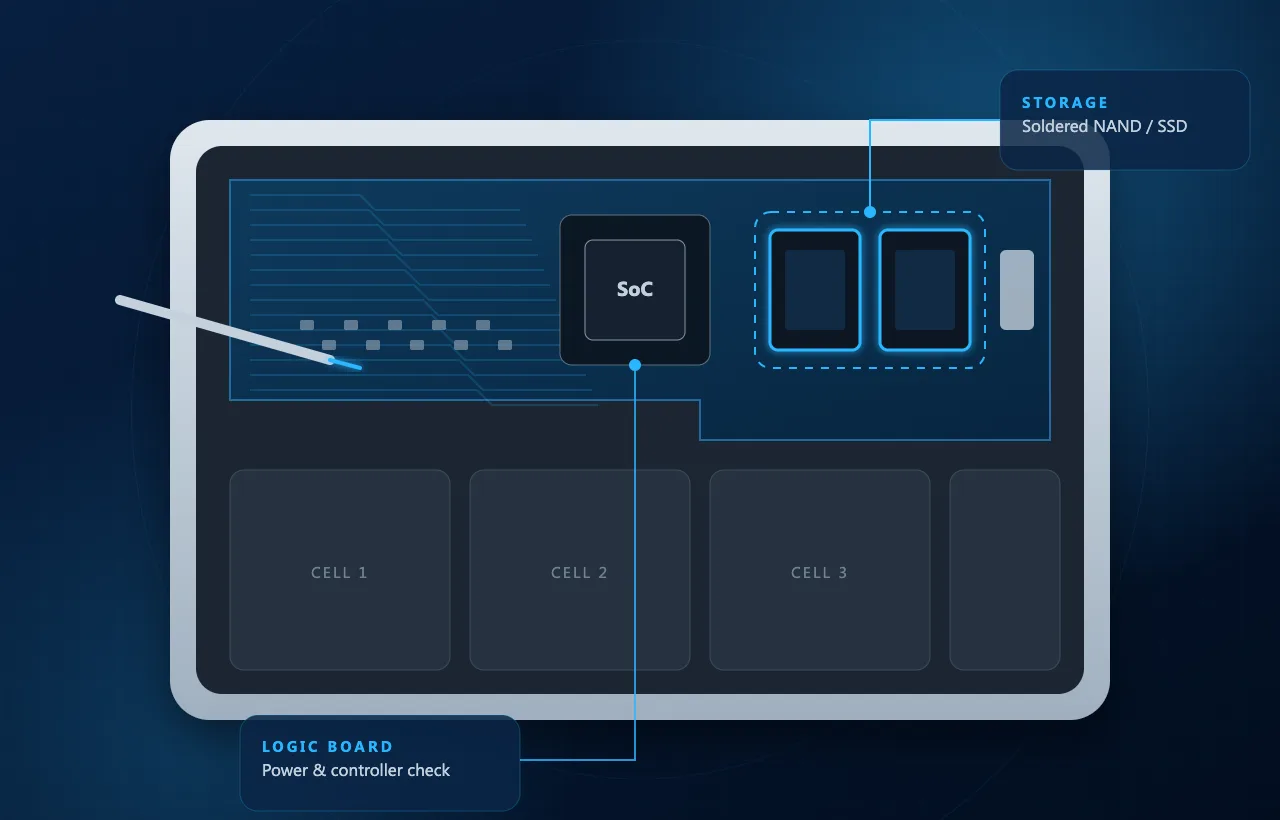
We assess whether the problem involves the storage itself, its power supply, or the original logic board. Where appropriate, the recovery plan may involve restoring enough functionality to access and copy the data.
Removable SSDs
Storage modules that can be assessed separately from the logic board on supported models.
Soldered storage
Flash memory built onto the logic board, where the board’s condition matters for access.
Hardware-encrypted storage
Data linked to the original security hardware and controller of the Mac.
Apple silicon and T2-equipped Macs
These Macs use hardware-linked encryption. Removing memory chips alone won't produce readable files, and damage to essential original components can limit recovery.
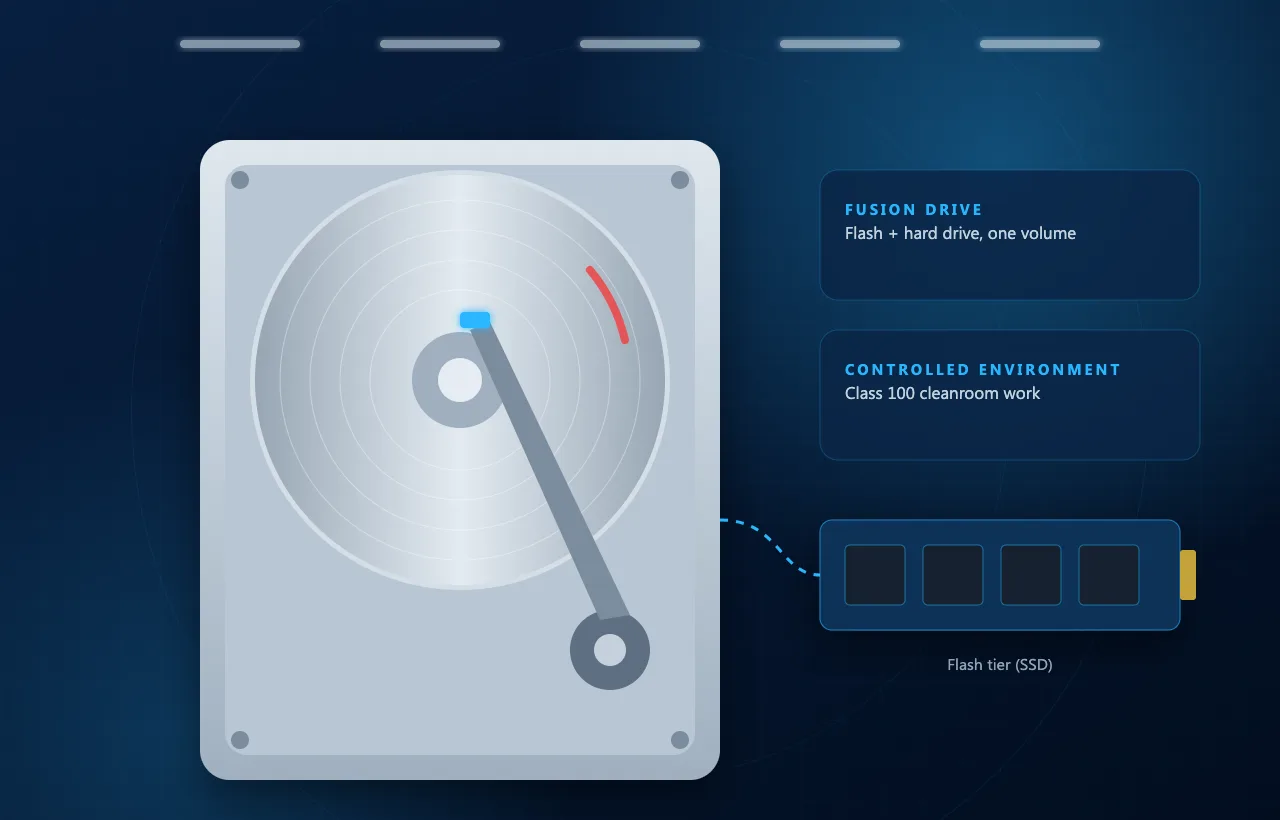
Do not split, reset, or reformat a Fusion Drive when your priority is recovering existing files.
Data Recovery from iMac Hard Drives and Fusion Drives
Older iMac models may use a mechanical hard drive or a Fusion Drive combining flash storage with a hard drive. Each configuration requires careful assessment.
For mechanical drives, the problem may involve damaged sectors, electronic faults, or internal mechanical failure. If internal work is necessary, it requires an appropriate controlled environment.
Fusion Drive recovery involves assessing both storage components and how the data is organized across them.
Our aim is to assess the storage condition and use an appropriate recovery method wherever possible.
MacBook Recovery After Liquid or Physical Damage
A liquid spill or accidental drop can leave your MacBook unresponsive while important files remain inside it. Damage may affect the logic board, power circuits, connectors, or storage components.
At mService, we inspect the device to determine whether data recovery is possible. Our immediate goal is to access your files; restoring the laptop for everyday use may require separate repair work.
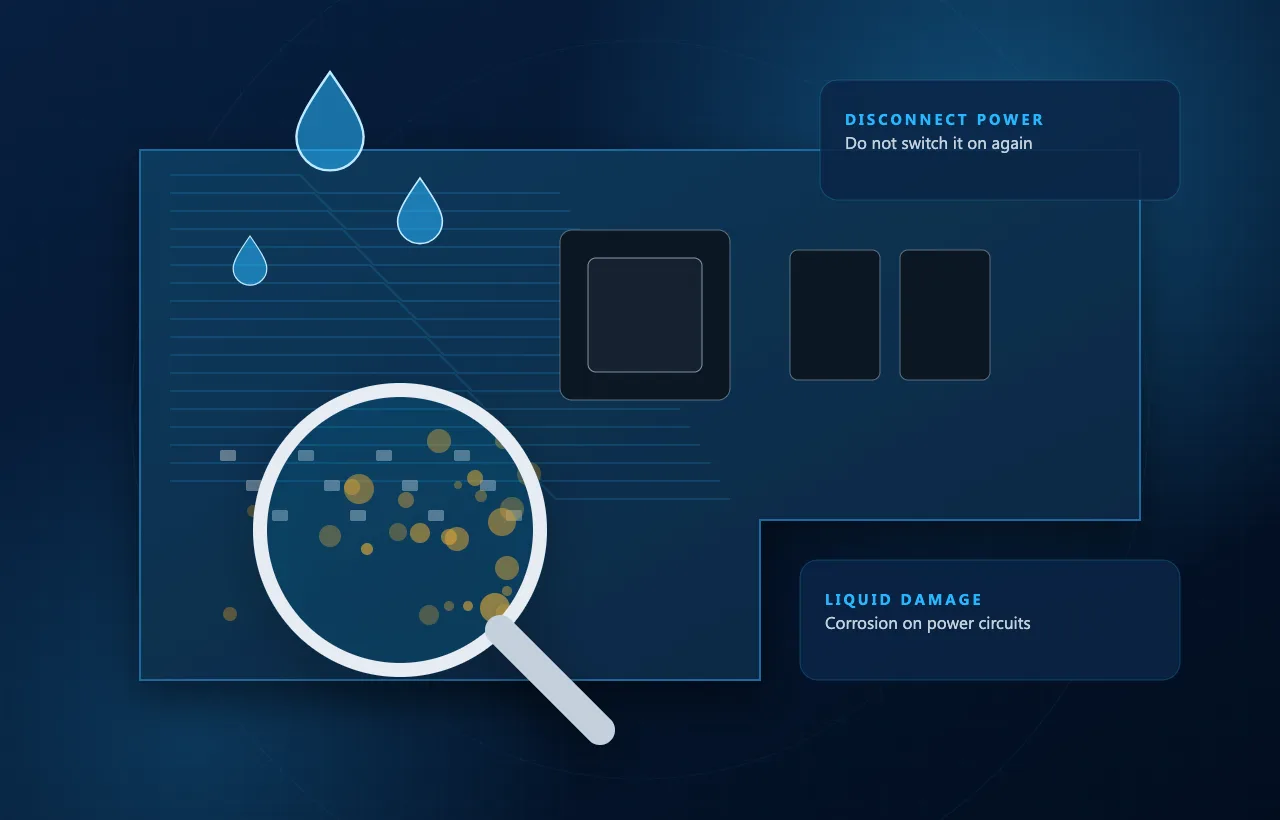
If your MacBook has suffered liquid damage, disconnect the charger and stop using it. Do not repeatedly switch it on to check whether it works. Describe the spill and any actions already taken when you contact us.
Recovering Data from Macs That Will Not Start
A black screen, a flashing folder, or a Mac stuck during startup does not identify the cause on its own. The storage may be healthy even when another component prevents the computer from working.
We assess whether the fault is in the power, the logic board, macOS, or the storage device. This helps determine whether data can be copied directly or whether hardware work is needed first.
If recovering files is your priority, tell the technician before approving a reinstall, reset, or storage replacement. Device repair and data recovery have different goals, and the work should reflect that.
Deleted and Formatted Mac Data Recovery
Deleted files and formatted drives may be recoverable in some circumstances, but the outcome depends on the storage type and what happened after the loss. Continued use can overwrite deleted data.
SSD background processes and encryption-related erasure can also make recovery impossible, even when the device remains fully functional.
We assess the situation and explain whether a recovery attempt is practical. Existing Time Machine backups, external copies, and cloud storage may provide an alternative way to restore your files.
Alternative ways to restore files
Our MacBook and iMac Data Recovery Process
- 01STEP 1
Tell us about the device, the problem, and the files you need
- 02STEP 2
Submit your MacBook, iMac, Mac mini, or all-in-one computer
- 03STEP 3
Device and storage diagnostics to identify the cause of failure
- 04STEP 4
Recovery recommendation with clear costs and limitations
- 05STEP 5
Professional data recovery and verification of recovered files
- 06STEP 6
Secure data handover with practical backup recommendations
Why Choose mService for Mac Data Recovery?
experience
More Than 25 Years of Experience
Extensive experience in computer services and professional data recovery.
Specialist Recovery Facilities
Advanced diagnostic equipment, PC-3000 tools, and a Class 100 cleanroom.
A Data-First Approach
Every procedure is planned to protect and recover your important files.
Clear Recommendations
Straightforward explanations of the recovery options, costs, and possible limitations.
Privacy and Confidentiality
Careful and confidential handling of personal, business, and sensitive data.
MacBook and iMac Models We Support
We assess recovery inquiries for a range of Apple computers and all-in-one systems, including:
Model support does not mean every failure is recoverable. The exact device, storage design, encryption, and damage determine which methods are available.
Data Recovery Services Across Stockholm
mService provides MacBook recovery, iMac recovery, and all-in-one data recovery for customers across Stockholm.
We welcome inquiries from Kungsholmen, Vasastan, Norrmalm, Östermalm, Södermalm and Bromma, as well as Solna, Sundbyberg, Nacka, Lidingö, Danderyd, Täby, Sollentuna, Järfälla and Huddinge.
- 01Kungsholmen
- 02Vasastan
- 03Norrmalm
- 04Östermalm
- 05Södermalm
- 06Bromma
- 07Solna
- 08Sundbyberg
- 09Nacka
- 10Lidingö
- 11Danderyd
- 12Täby
- 13Sollentuna
- 14Järfälla
- 15Huddinge
Contact us before visiting to confirm the submission arrangements and what to bring with your device.
Start Your MacBook or iMac Recovery Case
Cannot access important files on your MacBook, iMac, Mac mini, or all-in-one computer? Contact mService Sweden AB for an assessment.
Tell us your device model, the symptoms, and what happened before the files became inaccessible. We will explain the next step and the available assessment options.
Frequently Asked Questions About Mac Data Recovery
Can you recover data from a MacBook that will not turn on?
Recovery may be possible if the storage and essential components remain usable. We first identify why the MacBook will not start and whether we can restore access.
Can you recover files from a liquid-damaged MacBook?
Some liquid-damaged MacBooks can be assessed for recovery. The result depends on which components are damaged and whether the original hardware can provide access to the data.
Can data be recovered from an Apple silicon Mac?
Recovery depends on the fault and the condition of the original hardware. Hardware-linked encryption means the storage cannot simply be treated like an unencrypted removable drive.
Can you recover data protected by FileVault?
Access normally requires valid credentials or an appropriate recovery key, along with functioning hardware. We cannot bypass encryption or guarantee recovery when the required access information is unavailable.
Can deleted files be recovered from a MacBook SSD?
Sometimes, but recovery is often limited. Overwriting, SSD background processes, and certain erase operations can permanently remove access to deleted data.