
Flash Memory Data Recovery
Is your USB flash drive no longer recognized, prompting you to format it, or showing empty folders despite containing important files?
At mService Sweden AB, we recover data from formatted, deleted, virus-infected, physically damaged, and burnt USB flash drives. Our specialists work to recover personal photos, business documents, videos, project files, and other valuable data.
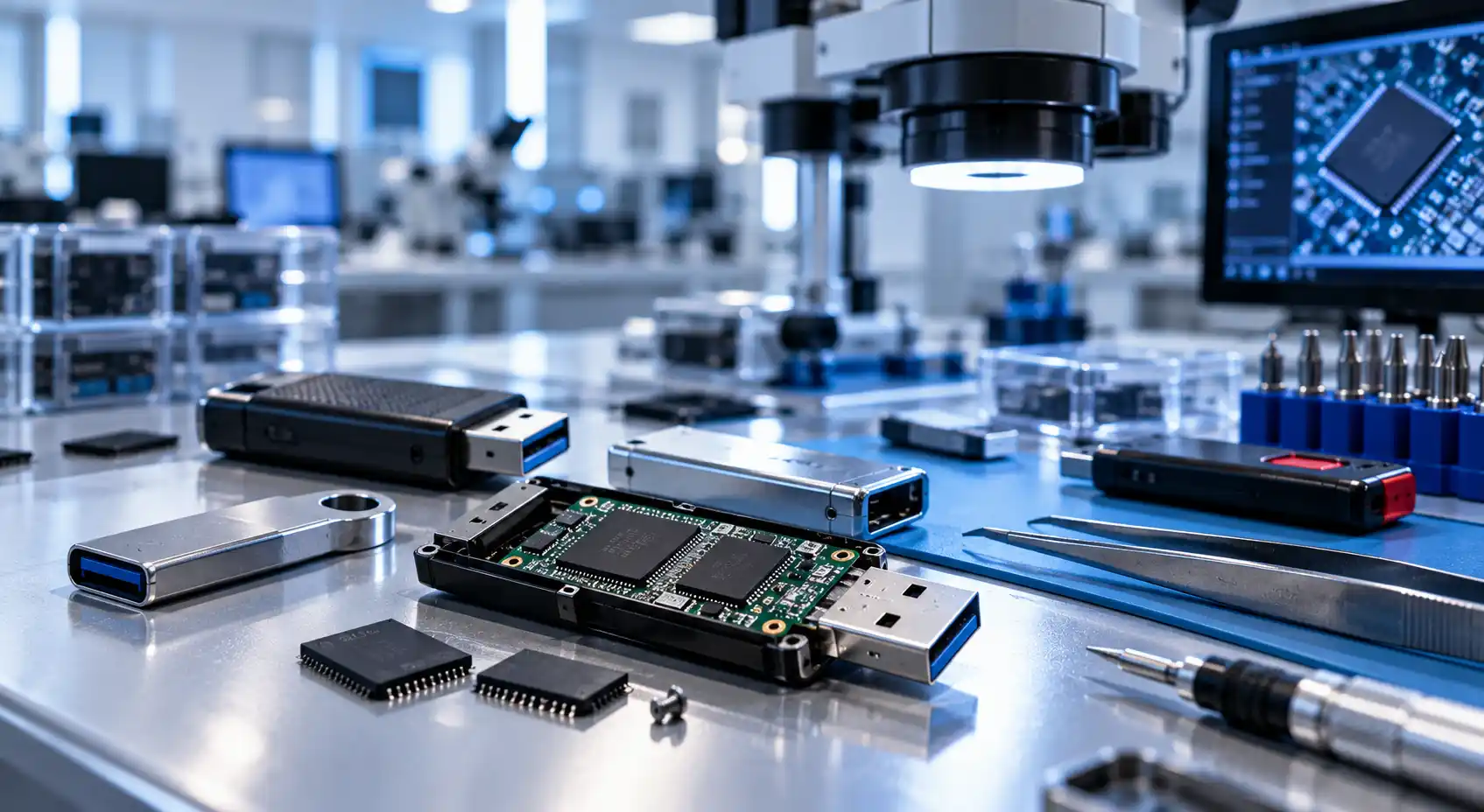
Flash memory data recovery services throughout Sweden
and diagnosis
of professional experience
data handling
Professional Data Recovery from USB Flash Drives
A USB flash drive can fail without warning. One moment your files are accessible; the next, the device asks to be formatted, appears empty, repeatedly disconnects, or is no longer recognized by the computer.
The correct recovery method depends on what happened to the device. A formatted flash drive requires a different approach from a burnt or physically broken USB drive. Our specialists examine the device first and select the safest recovery method based on its condition.
Data loss from a flash drive may be caused by:
- Accidental formatting
- Accidental file deletion
- Virus or malware infection
- File-system corruption
- A broken or bent USB connector
- Water or moisture exposure
- Electrical damage or short circuits
- Fire or extreme heat
- Controller or firmware failure
- Damage to the circuit board or memory chips
What Should You Do When a Flash Drive Fails?
What you do immediately after the failure can directly affect the possibility of recovering your files.
- Stop using the flash drive.
- Do not save new files to it.
- Do not format or reformat the device.
- Do not allow Windows or macOS to repair it.
- Avoid running several recovery programs.
- Do not repeatedly connect a damaged device.
- Never bend, open, or solder the flash drive yourself.
Saving new information may overwrite deleted data. Repeated connection attempts can also worsen physical or electronic damage.
If the files are important, contact our Flash Data Recovery Center before attempting further repairs.
- Visit us: Sveavägen 136, 113 50 Stockholm
- Email: info@dataraddning.se
Data Recovery from a Formatted Flash Drive
Did you accidentally format your USB drive? Does the computer display a message saying the drive must be formatted before it can be used?
Formatting changes the structure that the device uses to locate and organize files. However, depending on the type of formatting and what has happened since, some of the original information may still remain on the memory chips.
Do not copy anything to the formatted flash drive. New files may overwrite the storage areas that contain the missing information, permanently reducing the amount of recoverable data.
Professional data recovery from a formatted flash drive may be possible when:
- The wrong USB drive was formatted accidentally
- A quick format was performed
- The flash drive was formatted during an operating-system installation
- The file system was changed
- The device was formatted after displaying an error
- A camera, television, or another device reformatted the drive
- The flash drive now appears empty after formatting
Common symptoms of an infected flash drive include:
- Files or folders have disappeared
- Documents have been replaced by shortcuts
- Unknown files appear automatically
- Folder names or extensions have changed
- The computer reports that files are corrupted
- The device opens very slowly
- Antivirus software blocks access to the drive
- The used storage space remains occupied, but no files are visible
Data Recovery from a Virus-Infected Flash Drive
A virus-infected USB drive may appear empty even though its used storage space has not changed. Files can be hidden, renamed, deleted, encrypted, corrupted, or replaced by shortcut icons.
Our data recovery from a virus-infected flash drive service begins with an examination of the device. We determine whether malicious software has hidden, deleted, damaged, or altered the missing information.
Data Recovery from a Damaged Flash Drive
Flash drives are small and portable, but their connectors and circuit boards can be easily damaged. A USB drive may fail after being dropped, bent while connected to a computer, crushed, or exposed to water.
Common signs of physical damage include:
- A loose, bent, or broken USB connector
- A cracked casing or circuit board
- A device that connects and disconnects repeatedly
- A flash drive that becomes unusually hot
- A device that is no longer detected
- Error messages when files are opened or copied
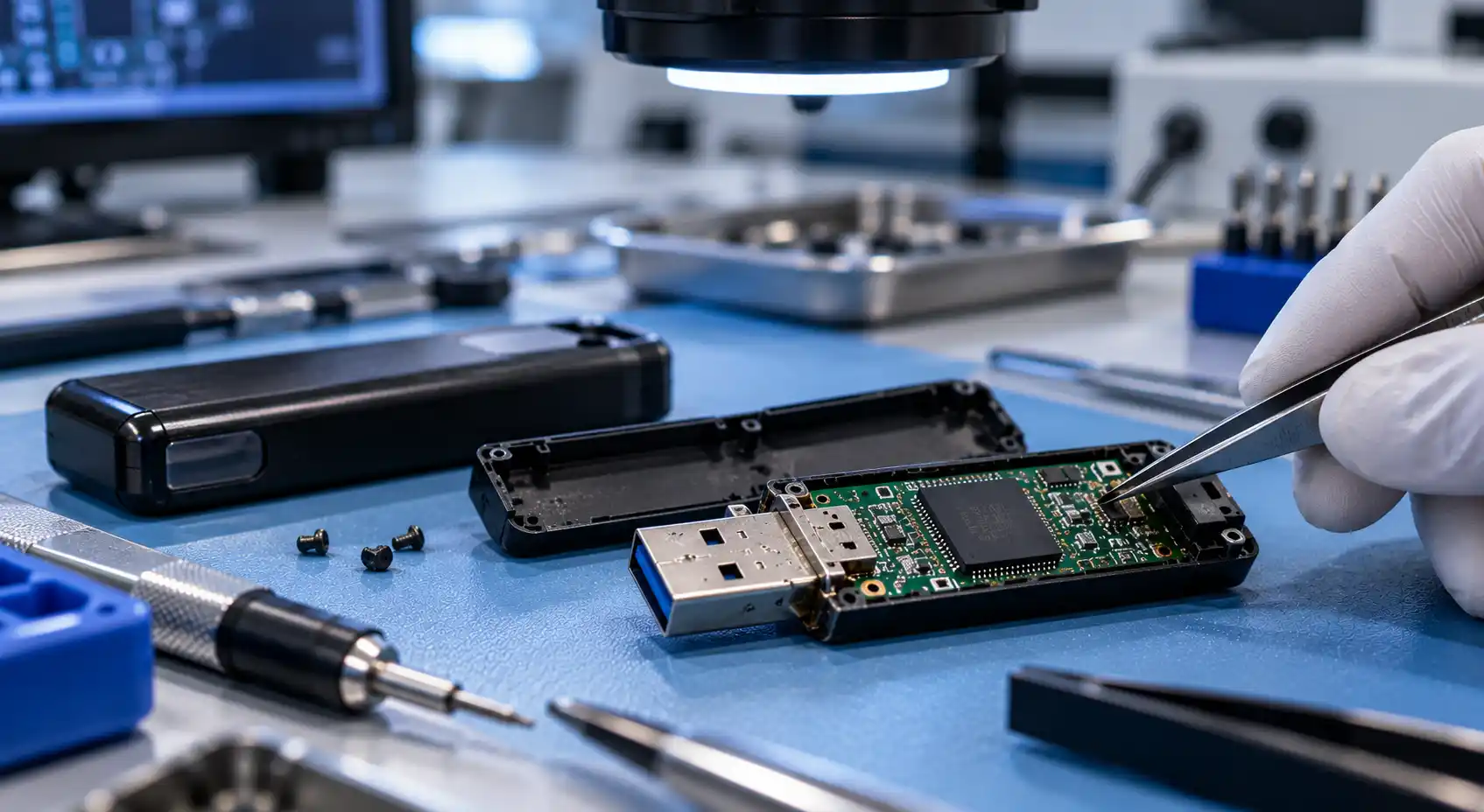
Do not attempt to bend the connector back into place or solder the device yourself. Improper handling can damage the memory chip and make recovery much more difficult.
Depending on the fault, our technicians may repair the connection temporarily or access the memory chips using specialized equipment. Our technicians can then analyze the extracted raw data and reconstruct it into usable files.
Data Recovery from a Burnt Flash Drive
A flash drive exposed to fire, extreme heat, an electrical surge, or a short circuit may have a melted casing, damaged connector, or burnt circuit board. Despite the visible damage, the information stored on the device may not always be permanently lost.
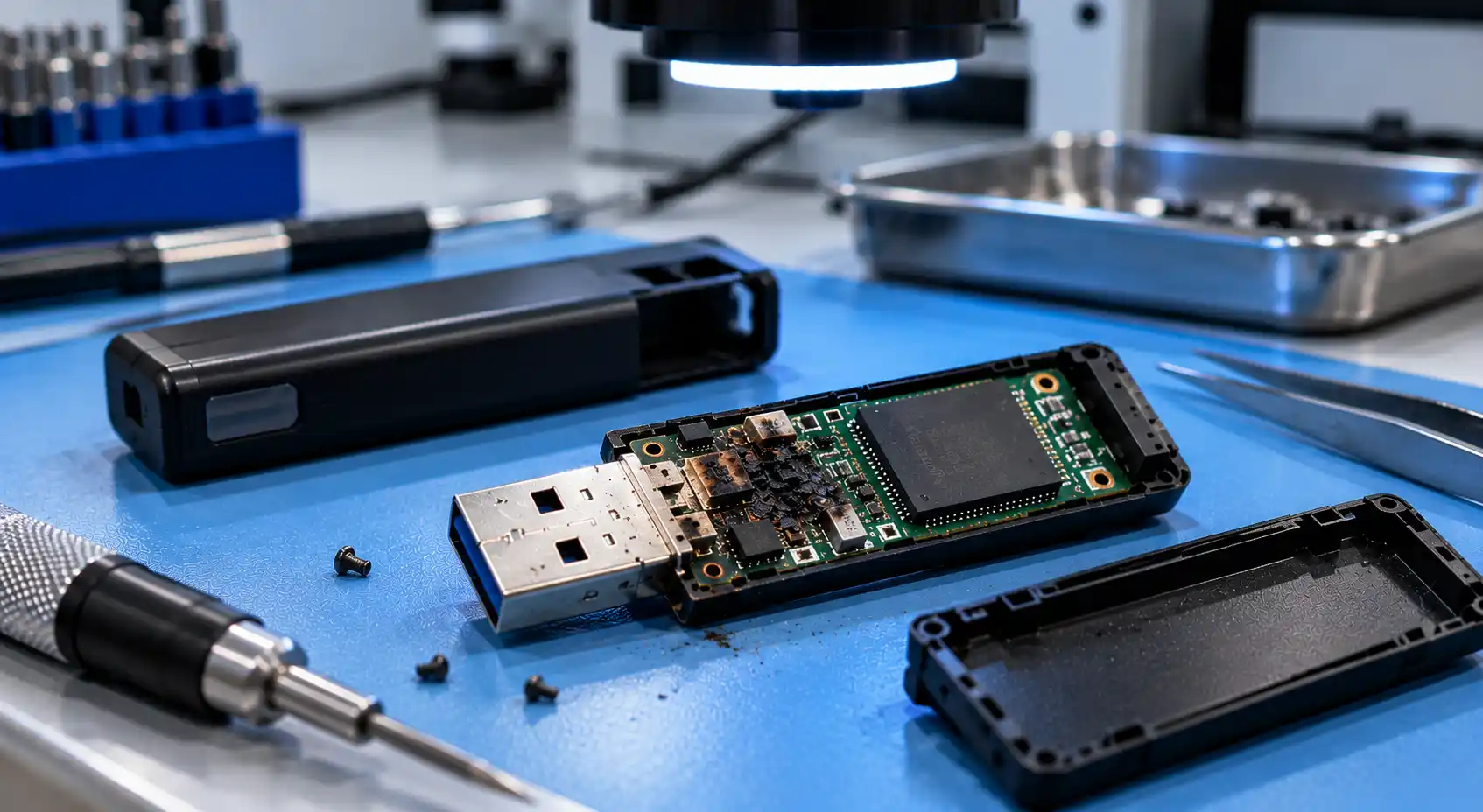
Professional data recovery from a burnt flash drive depends largely on the condition of its memory chips. If the memory components remain sufficiently intact, it may be possible to extract and reconstruct some or all of the stored information.
Burnt flash drive recovery may require:
- Examination under specialist equipment
- Removal of damaged surrounding components
- Direct access to the memory chips
- Extraction of raw memory data
- Correction of read errors
- Reconstruction of the original data structure
- Identification and verification of recovered files
This work usually can’t be done with standard recovery software because the computer may no longer be able to communicate with the flash drive.
Recovering Deleted Data from a Flash Drive
Files deleted from a USB flash drive do not normally appear in the computer’s Recycle Bin. However, the underlying information may remain on the device until the storage space is reused.
To protect your deleted files:
Stop using the flash drive immediately
Do not copy new files to it
Do not format or repair the device
Do not run several different recovery programs
Do not open, solder, or modify the hardware
Keep the flash drive dry and protected
The less the device is used after files are deleted, the better the chance the original data hasn’t been overwritten.
Flash Memory Data Recovery in Stockholm and Surrounding Areas
Our Flash Data Recovery Center is located at Sveavägen 136 in central Stockholm. We help private customers, businesses, and organizations from Stockholm and the surrounding areas.
- Sveavägen 136, 113 50 Stockholm
- +46 76 254 71 34
- info@dataraddning.se
Our service area includes:
- Vasastan
- Norrmalm
- Östermalm
- Södermalm
- Kungsholmen
- Gamla Stan
- Bromma
- Hägersten
- Liljeholmen
- Älvsjö
- Enskede
- Årsta
- Johanneshov
- Skarpnäck
- Bagarmossen
- Farsta
- Skärholmen
- Vällingby
- Hässelby
- Spånga
- Tensta
- Rinkeby
- Kista
What Types of Files Can Be Recovered?
Depending on the condition of the device, we can search for and recover many different types of data, including:
Photos and image files
Videos and audio recordings
Word, Excel, and PDF documents
Presentations and project files
Compressed archives and backups
Accounting and business information
Technical drawings and design files
Databases and specialist file formats
After examining your device, we will explain what can potentially be recovered and recommend the most appropriate next step.
Our Flash Drive Data Recovery Process
1. Contact Us
Tell us what happened to your flash drive, which files are missing, and whether your computer still recognizes the device. You can reach us by telephone, email, or WhatsApp.
2. Examination and Diagnosis
We examine the device to identify the cause of the data loss. You will then receive clear information about its condition, the available recovery options, and the estimated cost.
3. Data Recovery
Once you approve the work, our specialists begin the recovery process. The method will depend on whether the problem involves deleted files, formatting, file-system corruption, or physical or electronic damage.
4. Verification and Secure Delivery
We check the recovered data and transfer it to a separate storage device. We handle your information confidentially throughout the process and return it to you securely.
Why Choose mService Sweden AB?
More than 25 years of professional experience
Specialist knowledge of flash memory recovery
Advanced diagnostic and recovery equipment
Free initial examination and diagnosis
Clear information before recovery begins
Secure and confidential data handling
Services for individuals and businesses
A centrally located data recovery center in Stockholm
Assistance for customers throughout Sweden
Contact Our Flash Data Recovery Center
If your USB flash drive has been formatted, damaged, infected by a virus, or has stopped working, stop using it as soon as possible.
Contact mService Sweden AB for a free initial examination and professional assessment. We will help you determine the safest way to recover your valuable files.
mService Sweden AB
- Sveavägen 136, 113 50 Stockholm, Sweden
- Telephone: +46 76 254 71 34
- Alternative telephone: 076 222 0 555
- Email: info@dataraddning.se
Other storage device? See our SSD data recovery and external hard drive recovery services.
Frequently Asked Questions About Flash Drive Data Recovery
Can files be recovered after a flash drive has been formatted?
In many cases, yes. The result depends on the type of formatting and whether new information has been written to the device. Stop using the flash drive as soon as you notice the problem.
Can you recover a USB flash drive that is not recognized?
It may be possible. The fault could involve the USB connector, circuit board, controller, firmware, or memory chips. We need to examine the device to identify the cause.
Can data be recovered from a broken USB drive?
In some cases, yes. If the memory chips aren’t severely damaged, specialized equipment may be able to extract the information. Do not try to solder or reconnect a broken USB drive yourself.
Is data recovery possible from a burnt flash drive?
This depends on the condition of the memory chips. Even if the connector and circuit board have been destroyed, data may sometimes be extracted and reconstructed directly from the memory components.
Can you recover permanently deleted files?
Files described as permanently deleted may still be physically present on the flash memory until they are overwritten. Recovery is not guaranteed, but stopping all use of the device gives the files the best possible chance.
How long does flash drive data recovery take?
The required time depends on the type of damage, the device’s construction, and the amount of data involved. We can provide a more accurate estimate after examining the flash drive.
Is my information kept confidential?
Yes. We handle customer devices and recovered information confidentially throughout the diagnosis, recovery, and delivery process.
Should I try data recovery software first?
Software may help in some simple cases. However, don’t continue if the flash drive disconnects, gets hot, isn’t recognized, or shows visible physical damage. Repeated attempts could worsen the problem.