
External Hard Drive Repair
Is your external hard drive not detected, clicking, beeping, or no longer powering on? mService Sweden AB is a specialized external hard drive repair center in Stockholm, repairing portable and desktop USB drives from all major brands.
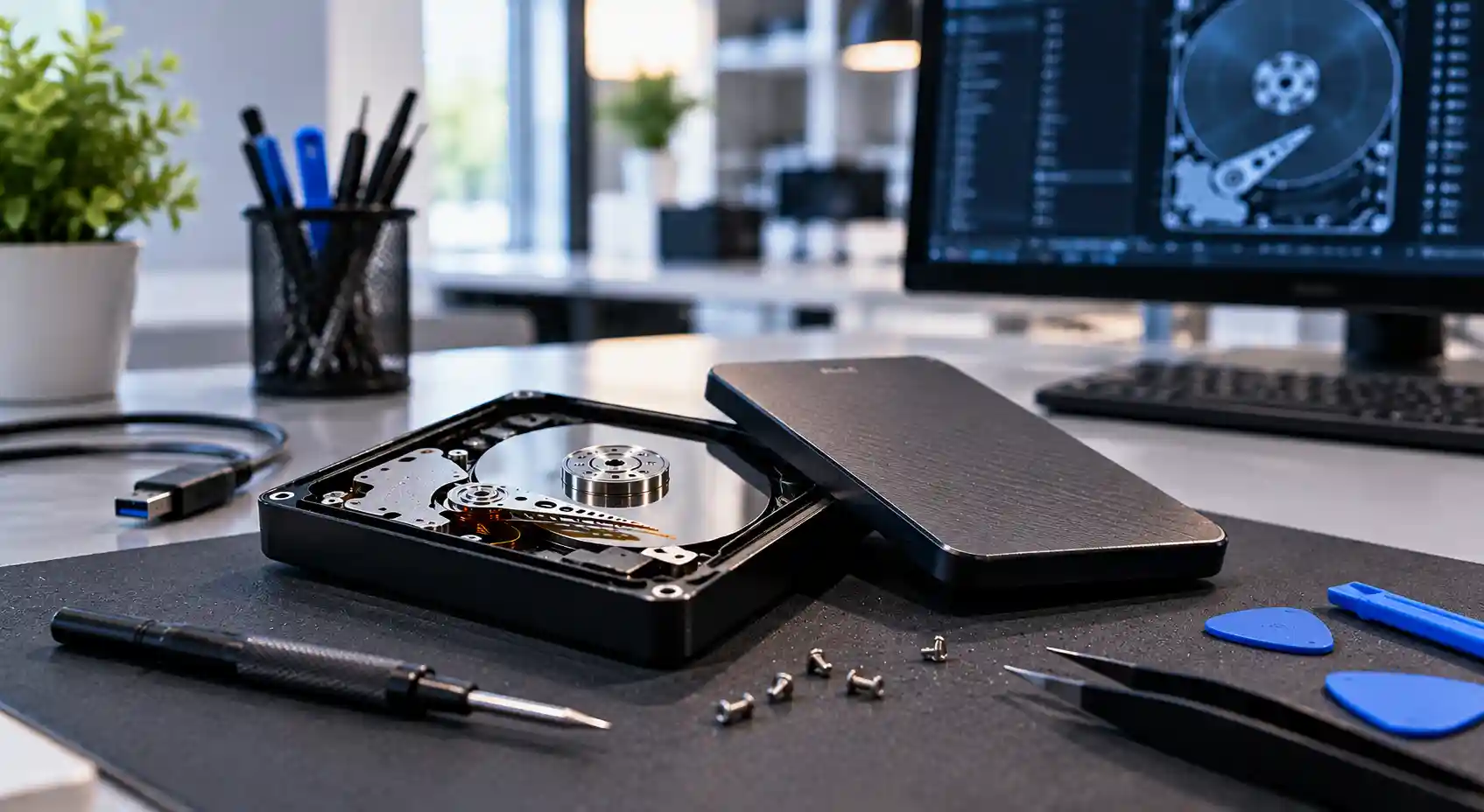
For more than 25 years, we have diagnosed broken USB connectors, damaged bridge boards, electronic failures, and mechanical faults. Before any work begins, we check whether the drive can be safely repaired and whether your important data can still be recovered.
- Over 25 years of experience
- Free initial diagnosis
- PC-3000 technology
- Confidential data handling
Common External Hard Drive Problems We Repair
External hard drives are moved, dropped, and unplugged far more often than internal drives. Contact us if your drive shows any of these symptoms:
- Not detected by Windows or macOS
- Clicking or ticking sounds
- Beeping or buzzing noise
- No power and no spinning sound
- Loose or broken USB connector
- Drive disconnects during copying
- Asks to be formatted
- Very slow or freezing when opened
- Shows the wrong capacity
- Damaged after a fall or knock
- Wrong power adapter was used
- Exposed to water or moisture
Professional External Hard Drive Repair in Stockholm
An external hard drive is more than a disk in a plastic case. Inside the enclosure there is a USB bridge board, a power circuit, the drive electronics, and a mechanical hard disk with read/write heads and a spindle motor. A fault in any of these parts can make the drive disappear from your computer.
Our technicians first locate the exact cause of the problem. Some faults, such as a broken USB port or a failed enclosure board, can often be repaired so the drive works again. Other faults, such as damaged heads or surface damage, require data recovery rather than a repair for continued use.
We repair external hard drives for individuals, businesses, and organizations in Stockholm and throughout Sweden.
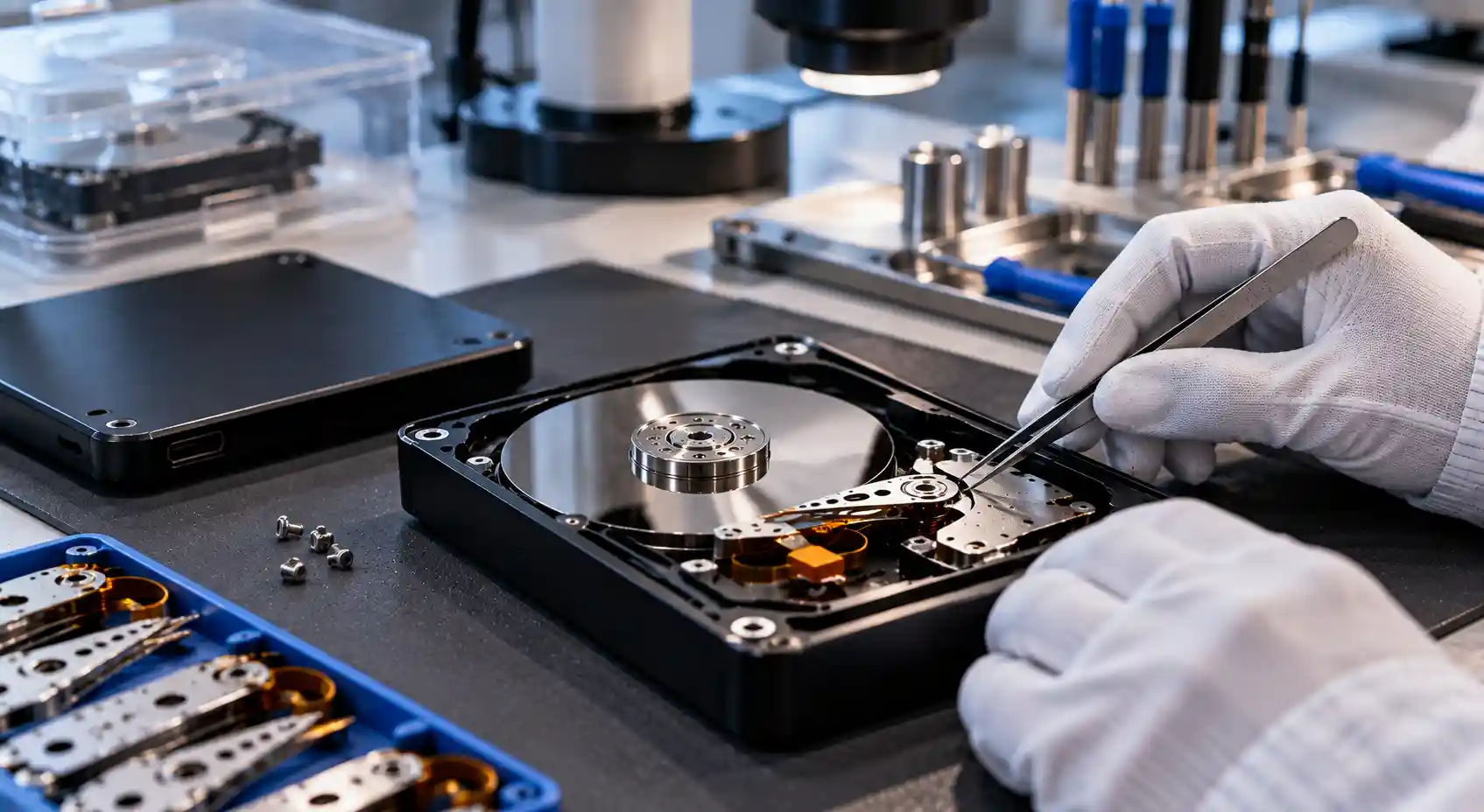
You get a clear recommendation before any work begins.
USB & enclosure repair
Fix damaged ports, cables, and bridge boards
Electronic repair
Diagnose PCB, power, and firmware faults
Data recovery
Secure your files when repair is not reliable
External Hard Drive Repair for Connector, Electronic, and Mechanical Faults
USB connector & bridge board
The bridge board converts the internal SATA connection into USB. A bent port, cracked solder joint, or failed USB controller can stop the drive from being recognized, even when the disk inside is healthy.
Drive electronics (PCB)
The printed circuit board controls the motor, heads, and data flow. Power surges, short circuits, and wrong adapters can burn protection components and leave the drive completely dead.
Heads, motor & firmware
Clicking, beeping, or a drive that spins and stops usually points to failed heads, a seized motor, or corrupted firmware. These faults require cleanroom work and specialist equipment.
Our diagnostic checks may include:
- USB port and cable testing
- Bridge board inspection
- Power circuit measurement
- PCB and TVS diode testing
- Firmware module analysis
- Head and motor assessment
- Surface and sector scanning
- Controlled imaging of data
Broken USB Port and Bridge Board Repair
A broken USB port is one of the most common external hard drive faults. The connector can break when the drive is dropped while plugged in, when the cable is pulled at an angle, or simply from years of use. In many cases the hard disk inside is undamaged and the problem is limited to the enclosure electronics.
Do not try to force the cable into a damaged port or open an encrypted drive enclosure yourself. Many WD and Seagate drives use hardware encryption on the bridge board, and replacing the board incorrectly can make the data inaccessible.
Our technicians repair or replace damaged USB connectors, resolder loose joints, and handle bridge board failures with the correct procedure for encrypted drives. When the original board is required to access the data, we work with it instead of replacing it.
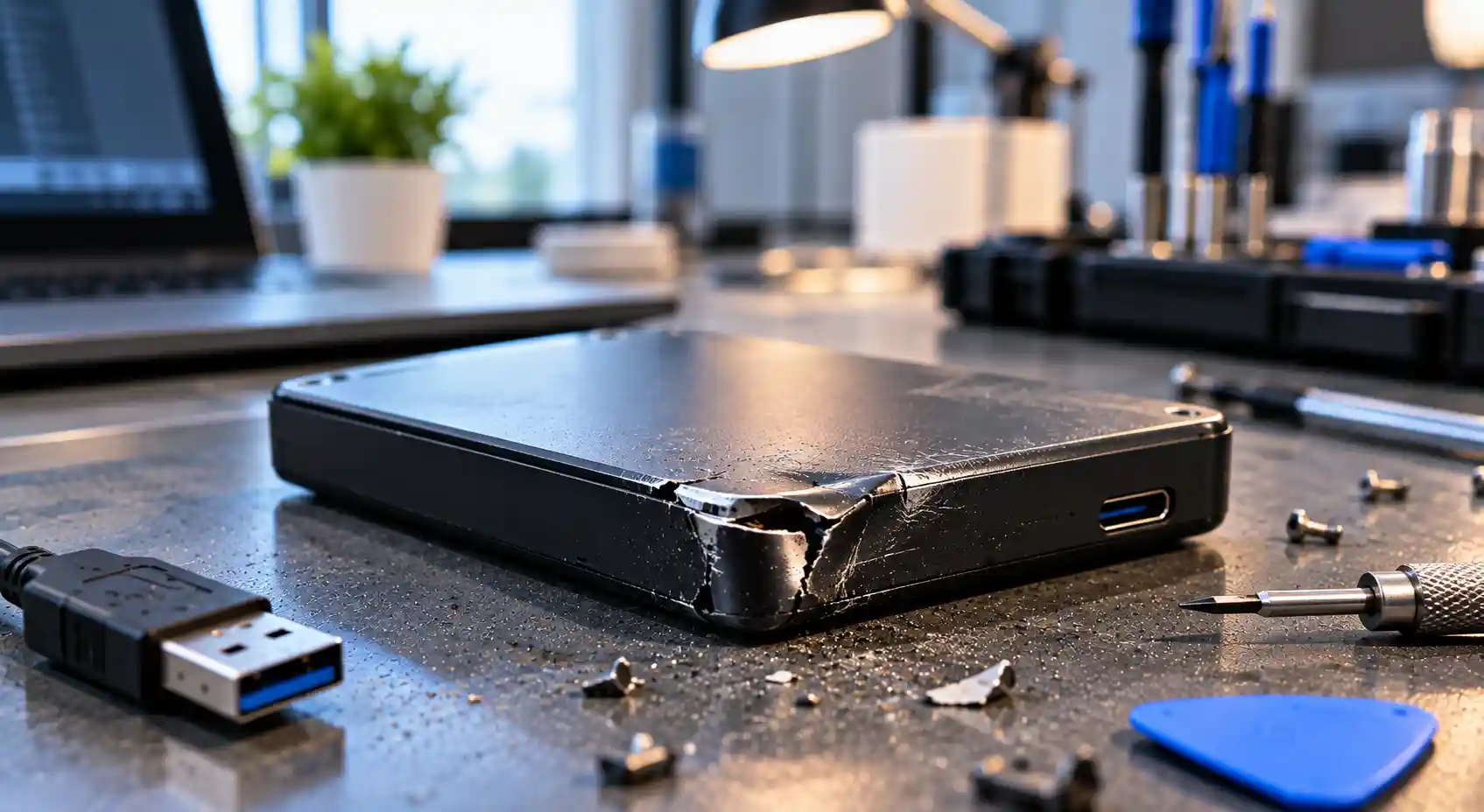
Typical connector problems include:
- Micro-B / USB-C port broken off
- Loose or intermittent connection
- Bent or damaged pins
- Cracked solder joints
- Failed USB bridge chip
- Hardware encryption issues
External Hard Drive Not Recognized?
When an external hard drive is not showing up in File Explorer, Finder, or Disk Management, the cause can be anything from a faulty cable to a failed head stack. The light may turn on and the drive may even spin, yet the computer cannot read it. A professional diagnosis tells you which part has failed and whether a simple repair is possible.
Avoid running disk repair tools, CHKDSK, or formatting the drive when it is not recognized correctly. These actions can overwrite file-system information and make later data recovery more difficult.
Repair After a Power Surge
Using the wrong power adapter, a power surge, or a damaged cable can burn components on the drive PCB or bridge board. Typical signs are a burning smell, no light, no spinning, or a drive that makes the computer disconnect.
We measure the power circuit, identify burnt protection components, and repair the electronics where possible. Because many drives store unique adaptive data on the PCB, a donor board alone is rarely enough.
Do not test the drive with another adapter until it has been examined.
We diagnose detection problems involving:
- Faulty USB cables and ports
- Damaged bridge boards
- Insufficient power supply
- Burnt PCB components
- Corrupted firmware
- Weak or damaged read/write heads
- Bad sectors and surface damage
- Partition table damage
- Damaged file systems
- Drives showing 0 bytes or RAW
Clicking External Hard Drive Repair
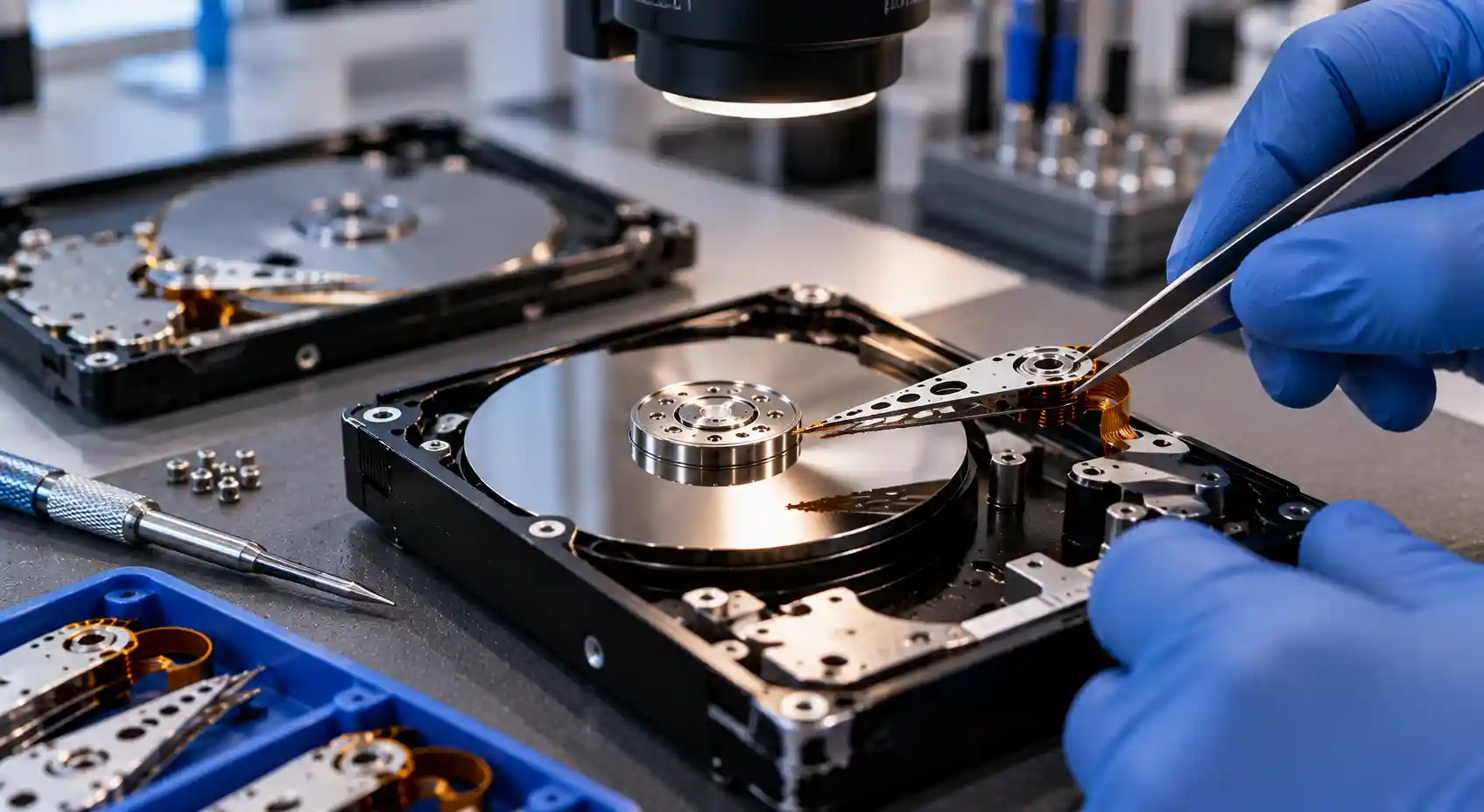
A clicking, ticking, or grinding sound usually means the drive cannot read its own service area. The cause is often damaged read/write heads, a stuck head on the platter, or a motor that cannot reach full speed.
Turn the drive off immediately. Every additional power-on can scratch the platters and permanently destroy data. Clicking drives require head replacement in a cleanroom, which is a data recovery procedure rather than a long-term repair.
- Clicking or ticking
- Beeping
- Grinding noise
- Spins up and stops
- Stuck heads
- Seized motor
- Dropped while running
- Firmware lockup
External Hard Drive Repair or Data Recovery?
Repairing an external hard drive and recovering its data are related but different goals. The right choice depends on the fault and on how valuable your files are.
Hard Drive Repair
Repair aims to make the drive usable again, for example by fixing a USB connector, a bridge board, or a power circuit when the disk inside is healthy.
Data Recovery
Data recovery focuses on safely retrieving your files, even if the drive cannot be trusted afterwards. Learn more about external hard drive data recovery.
Data recovery should usually come first when:
- The drive contains irreplaceable files
- The drive is clicking or beeping
- It was dropped while running
- The heads or motor have failed
- The drive has bad sectors
- It was exposed to water
- The drive asks to be formatted
- There is no backup of the data
Why Choose mService Sweden AB for External Hard Drive Repair?
Repairing an external hard drive correctly requires the right diagnosis, the right parts, and an understanding of how encryption and adaptive data affect the result.
Customers choose mService Sweden AB because we explain the options clearly, protect their data, and only recommend repair when it is the safe choice.
- More than 25 years of technical experience
- Experience with over 5,000 storage devices
- Free initial diagnostic assessment
- Specialized external hard drive repairs
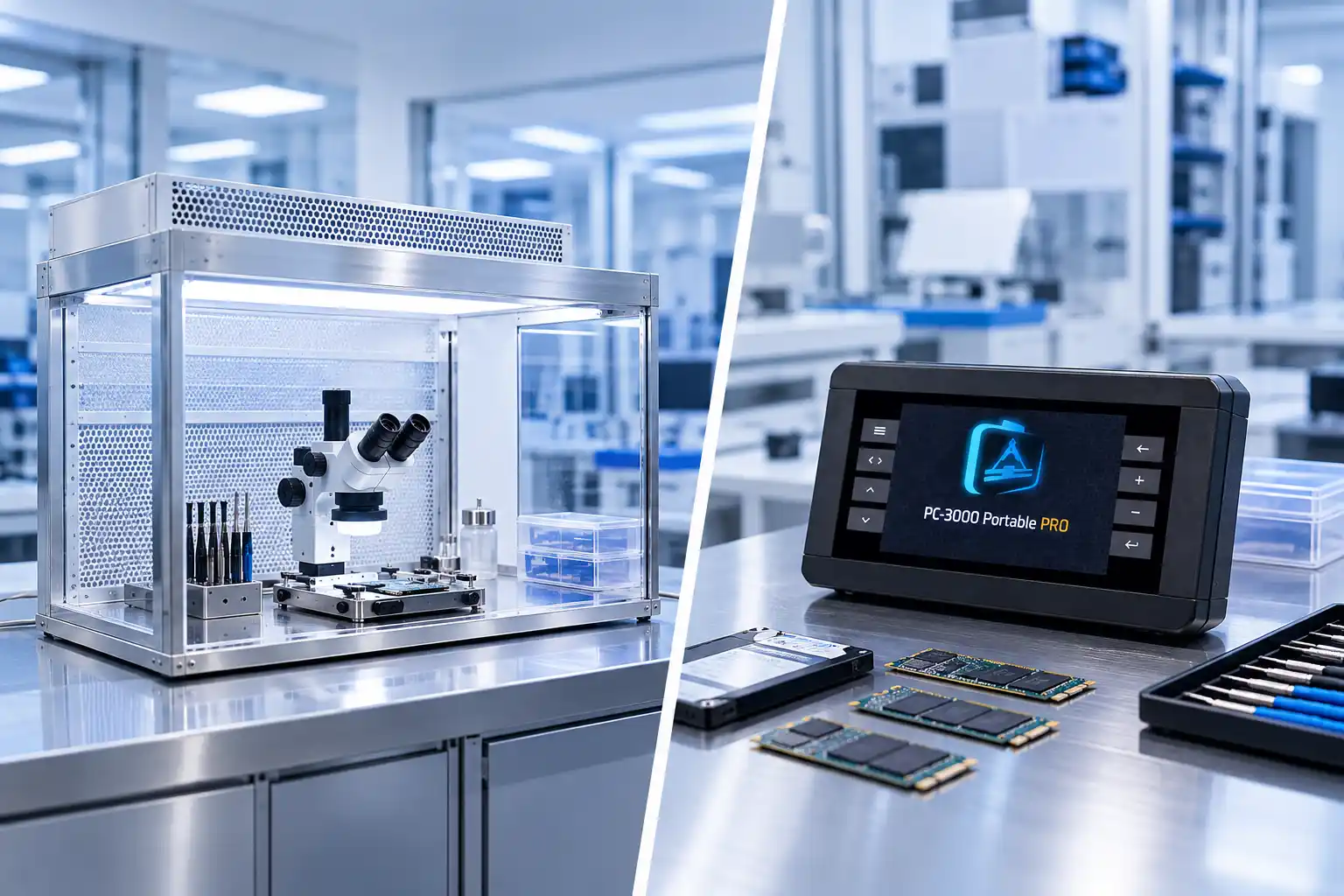
- PC-3000 diagnostic and data recovery technology
- Class 100 cleanroom for mechanical faults
- Repair and data recovery under one roof
- Clear recommendations before work begins
- Confidential handling of customer data
- Services for individuals, businesses, and organizations
- External hard drive repairs in Stockholm and throughout Sweden
Our External Hard Drive Repair Process
We keep every step clear, from the first contact to the moment your drive or recovered data is returned.
Initial Consultation
Tell us about the symptoms and what happened to the drive.
Professional Diagnostics
We test the enclosure, electronics, and the disk inside.
Clear Recommendation
You receive the diagnosis, options, and price before work begins.
Repair or Data Recovery
We repair the fault or secure your data in a controlled way.
Final Testing
The repaired drive or recovered data is checked and verified.
Secure Return
You collect the drive in Stockholm or receive it by secure shipping.
External Hard Drive Repair in Stockholm
Our external hard drive repair center is located at:
mService Sweden AB
Sveavägen 136
113 50 Stockholm
Sweden
Customers elsewhere in Sweden can contact us for instructions on how to safely package and send an external hard drive to our lab.
Request a Free External Hard Drive Diagnosis
A failed external hard drive does not always mean your files are lost. Many connector and electronic faults can be repaired, and in most other cases the data can still be recovered.
Stop using the drive and let our specialists examine it before the damage gets worse.
We primarily help customers from Stockholm and nearby areas, including:
- Kungsholmen
- Vasastan
- Norrmalm
- Östermalm
- Södermalm
- Bromma
- Solna
- Sundbyberg
- Nacka
- Lidingö
- Danderyd
- Täby
- Sollentuna
- Järfälla
- Huddinge
Frequently Asked Questions About External Hard Drive Repair
Can a broken USB port on an external hard drive be repaired?
Yes. In many cases a broken Micro-B or USB-C connector can be repaired or replaced. If the drive uses hardware encryption, we use a procedure that keeps the original bridge board working so the data remains accessible.
Can you repair an external hard drive that is not detected?
Often, yes. A drive that is not detected may have a faulty cable, bridge board, PCB, or firmware problem. We diagnose the exact cause before recommending repair or data recovery.
Can a clicking external hard drive be repaired?
Clicking usually indicates failed read/write heads. The drive can be opened in a cleanroom to recover the data, but it should not be trusted for further use after a head failure.
What happens if I used the wrong power adapter?
A wrong adapter or power surge can burn components on the PCB or bridge board. Do not test the drive again. We measure the circuit and repair the damaged electronics where possible.
Can I replace the enclosure or bridge board myself?
We do not recommend it. Many external drives encrypt data on the bridge board, and removing the disk or swapping the board incorrectly can make the files unreadable.
How long does an external hard drive repair take?
Simple connector and electronic repairs can often be completed within a few working days. Mechanical faults and data recovery cases take longer depending on the damage.
How much does external hard drive repair cost?
The price depends on the fault and the work required. The initial diagnosis is free, and you receive a clear quote before any repair or recovery work begins.
Will my data stay confidential?
Yes. All drives and data are handled confidentially. Your files are only accessed when necessary to verify the repair or the recovery result.
We can also sign a non-disclosure agreement for business customers.
Do you repair drives from customers outside Stockholm?
Yes. Customers from all over Sweden can send their external hard drive to our lab in Stockholm. Contact us first for packaging and shipping instructions.