
Hard Repair
Is your hard drive clicking, damaged, or no longer detected?
mService Sweden AB provides professional hard drive repair and data recovery for individuals, businesses, and organizations throughout Sweden.
If your drive is clicking, no longer detected, physically damaged, or unable to start, stop using it and contact us for a free initial diagnosis.
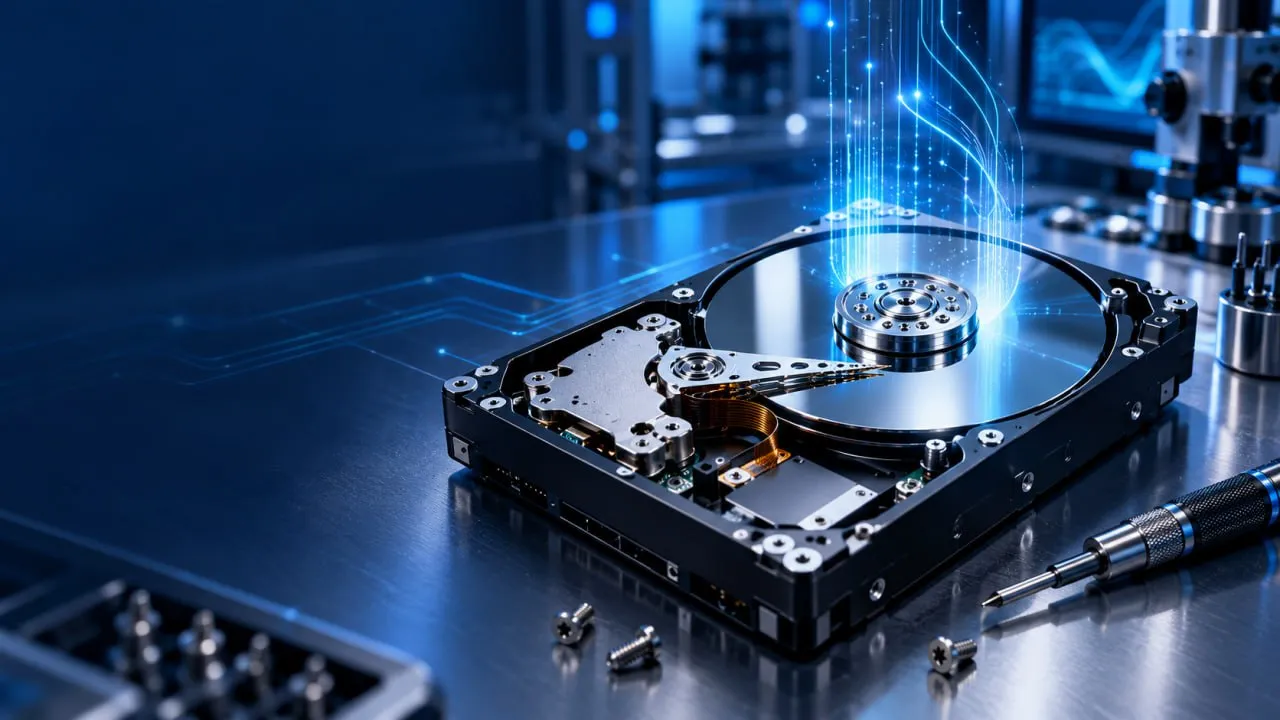
Professional Hard Drive Repair in Stockholm, Sweden
Recover your files from a damaged or inaccessible hard drive. Our Stockholm specialists diagnose and stabilize mechanical, electronic, and firmware failures using professional equipment.
Visit our laboratory at Sveavägen 136, Stockholm, or contact us to arrange secure shipping from anywhere in Sweden.
We recover data from:
The right procedure depends on the drive’s condition, its failure type, and the importance of the stored data. We therefore diagnose the device before recommending any repair or recovery work.
Internal and External Hard Drive Repair
We repair internal and external hard drives from Seagate, Western Digital, Toshiba, Samsung, Maxtor, Fujitsu, and other major brands.
Common faults include damaged read/write heads, circuit board failures, firmware problems, bad sectors, seized motors, and impact or power-related damage.
These actions can increase damage and reduce the chance of successful data recovery.
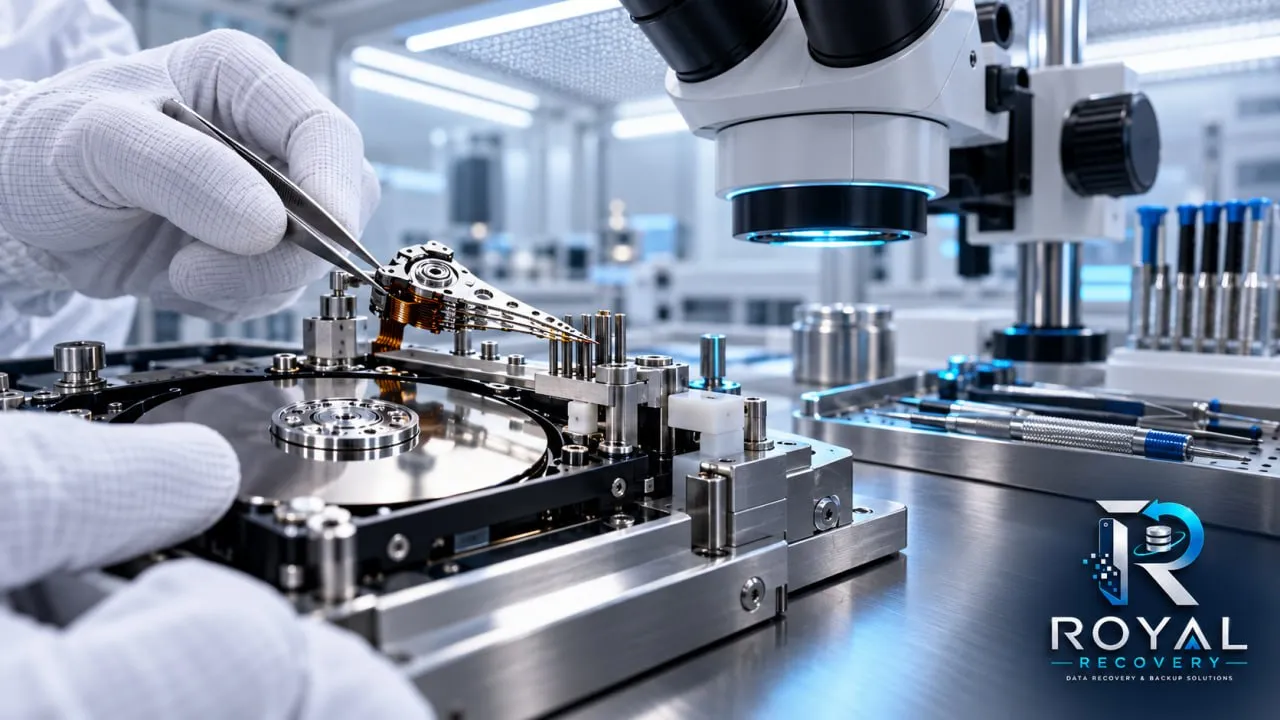
Hard Drive Head Repair in a Class 100 Cleanroom
Clicking, failure to initialize, or repeatedly spinning up and stopping can indicate damaged read/write heads. This is often caused by a drop, impact, contamination, or component failure.
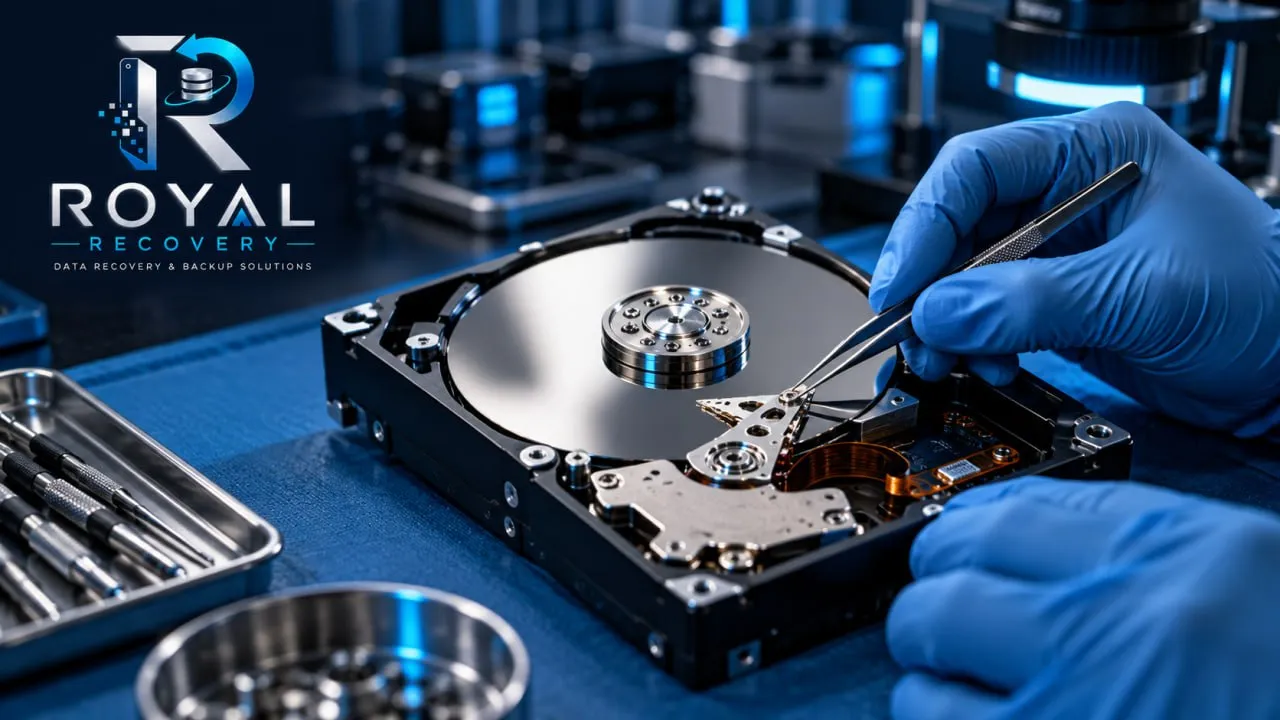
Our specialists replace damaged heads in a controlled Class 100 cleanroom to protect the platters from dust and further damage.
Head replacement provides temporary access, allowing your files to be safely recovered. The repaired drive should not be reused for everyday storage.
Hard Drive Circuit Board Repair
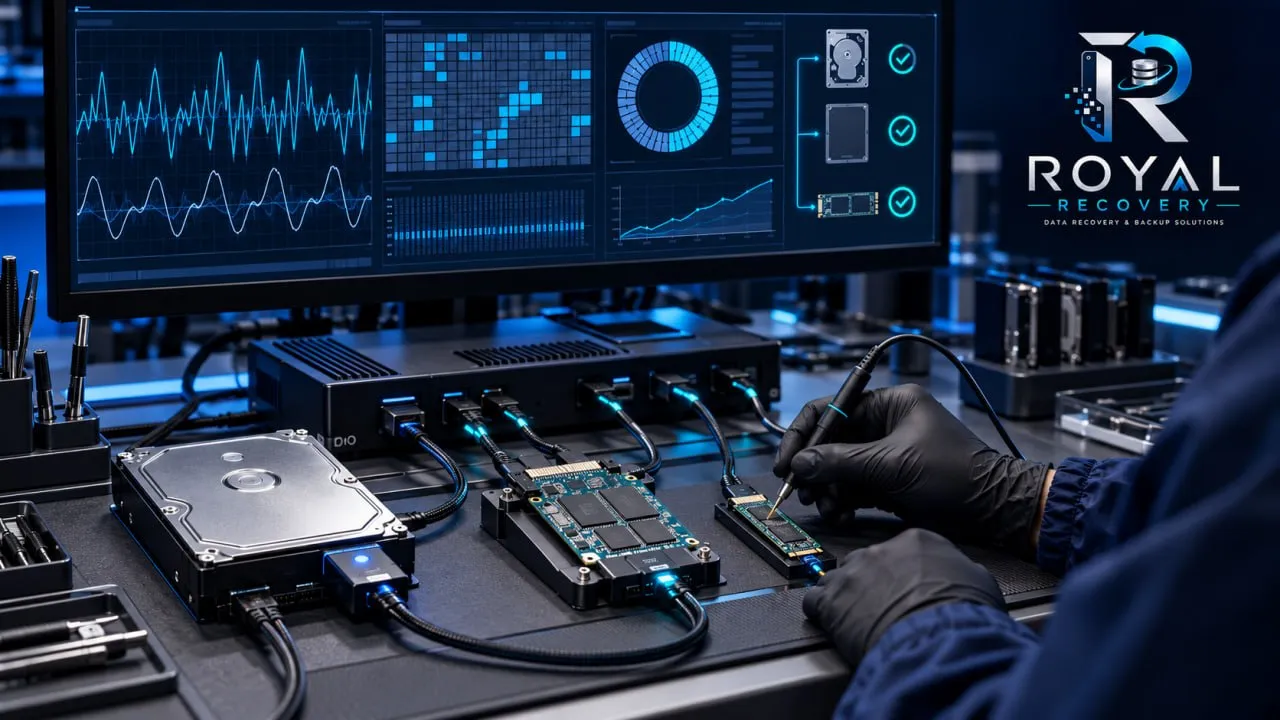
A hard drive’s printed circuit board, or PCB, controls its power, motor and communication with the computer. The board can be damaged by a power surge, an incorrect power adapter, liquid exposure, overheating, or failed electronic components.
Why a simple PCB replacement may not work
Replacing a circuit board with an apparently identical board is rarely a complete solution. Many drives store device-specific calibration data on the original PCB. That information may need to be preserved or transferred to a compatible donor board.
Hard Drive Firmware Repair
Firmware damage can prevent a hard drive from starting, being detected, or accessing stored data. The drive may also display the wrong capacity or remain continuously busy.
Our specialists use professional PC-3000 technology to diagnose and repair supported firmware faults.
Reinstalling Windows, updating drivers, or using consumer repair software will not usually solve firmware problems.
Hard Drive Not Detected? Common Causes and Solutions
A hard drive that is not detected may have a simple connection problem, but it can also indicate serious electronic, mechanical, or firmware damage.
You can safely check the cable, power adapter, and USB port if the drive is operating normally and making no unusual sounds.
Do not repeatedly reconnect a clicking, beeping, or previously dropped drive.
Our Hard Drive Diagnosis and Repair Process
Every hard drive repair begins with a careful diagnosis. Our specialists identify the cause of the failure, assess the device's condition, and determine the safest method to recover your data.
How Much Does Hard Drive Repair Cost in Sweden?
The type of device, the damage, and the process we apply can affect the cost of repair. A logical file-system problem may require a different process from failed heads, circuit-board damage, or firmware corruption. Mechanical cases can also require cleanroom work and compatible donor parts.
Why Hard Drive Repair Software May Put Your Data at Risk
Disk-repair software can sometimes help with minor logical problems on a healthy device. It cannot repair damaged read/write heads, burned electronics, a seized motor, or other physical faults.
Scanning an unstable drive forces it to read large areas repeatedly. If the drive has weak heads or deteriorating surfaces, that activity may cause further damage before important files are copied.
Professional HDD Repair Tools and Laboratory Equipment
Professional data recovery requires more than ordinary computer-repair software. The equipment and method must match the device and failure type.
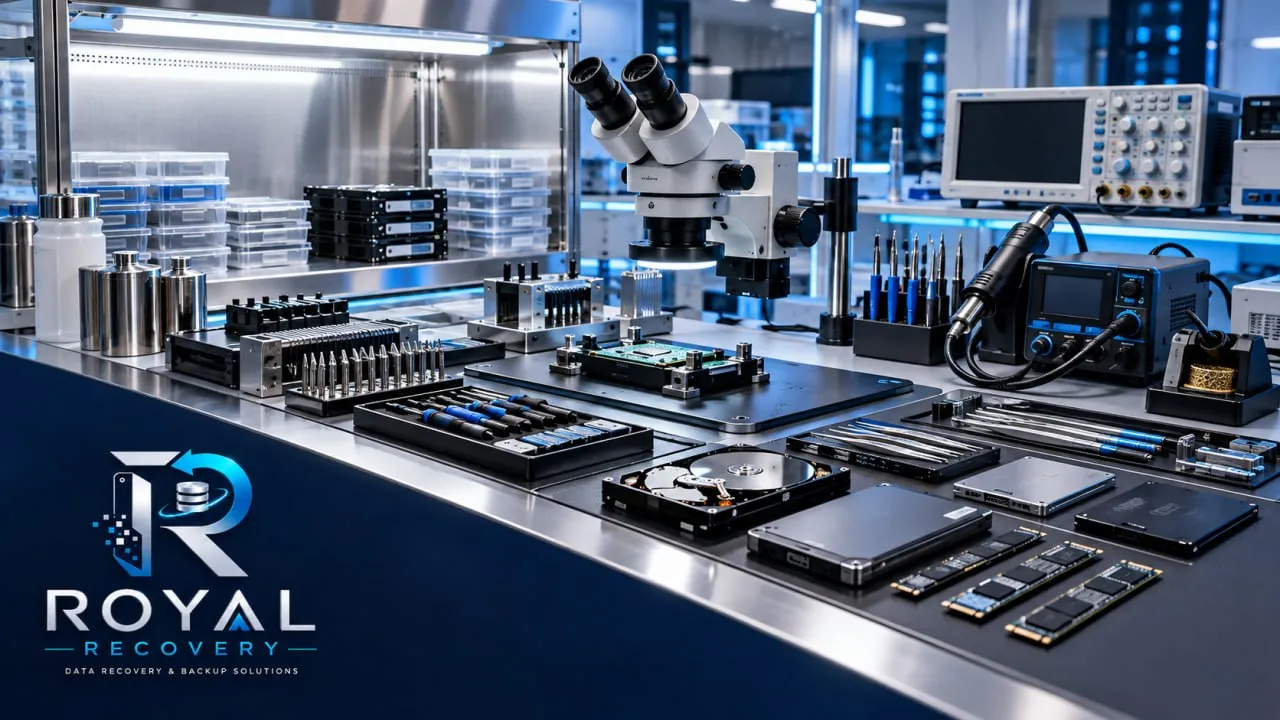
mService Sweden AB uses specialized technology, such as the PC-3000 and a Class 100 cleanroom, for appropriate recovery cases. Tools alone do not determine the result; correct diagnosis, technical experience and careful handling are equally important.
Why Choose mService Sweden AB for Hard Drive Repair?
mService Sweden AB provides specialist repair and data recovery services from Stockholm to customers throughout Sweden.
Hard Drive Repair in Stockholm and Across Sweden
Customers in Stockholm can contact us to arrange direct delivery of their device. If you are located elsewhere in Sweden, contact our team before shipping the drive so that it can be packaged, identified, and handled correctly.
We serve customers from Stockholm and communities across Sweden, including Uppsala, Västerås, Örebro, Linköping, Malmö, Lund, Helsingborg, Jönköping and Gothenburg.
When shipping a damaged drive, use protective packaging and sufficient cushioning. Avoid sending an unprotected hard drive in an envelope.
 WhatsApp
 Frequently Asked Questions About Hard Drive Repair
Can a damaged hard drive be repaired?
Some electronic, firmware, and mechanical faults can be repaired or stabilized sufficiently to recover the stored data. Whether this is possible depends on the type of failure and the condition of the recording surfaces and components.
Can a clicking hard drive be repaired?
Clicking often indicates a mechanical or read/write-head problem. Turn the drive off and do not continue testing it. The device must be professionally diagnosed, and internal work may require a cleanroom.
Can you repair an external hard drive that is not detected?
Yes, we assess external hard drives that are not recognized. The fault may involve the cable, enclosure, USB interface, circuit board, firmware, or internal mechanical components.