
External Hard Drive Recovery
Has your external hard drive stopped working, become undetectable, or lost important files? mService Sweden AB provides professional external hard drive recovery in Stockholm for damaged, formatted, wet, dropped, and inaccessible drives.
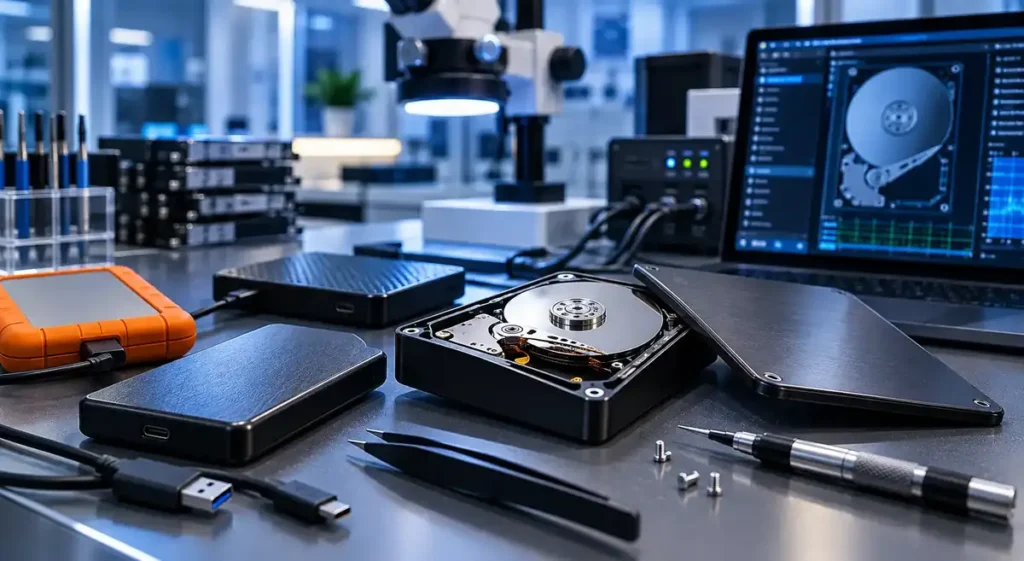
With more than 25 years of data recovery experience, specialist PC-3000 equipment, and a Class 100 cleanroom, we help individuals, businesses, and organizations recover valuable data securely.
- Over 25 years of experience
- 5,000+ devices handled
- Class 100 cleanroom
- Confidential data recovery
Professional External Hard Drive Data Recovery in Stockholm
An external hard drive may contain years of photographs, work documents, financial records, videos, or business files. When the drive stops working, repeated attempts to access it can worsen the damage.
Our specialists diagnose logical, electronic, and mechanical failures. After examining the drive, we explain what has happened, which files may be recoverable, and the recommended next step.
Logical failures
Deleted files, formatting and file-system corruption
Electronic failures
Circuit boards, USB connectors and power faults
Mechanical failures
Read/write heads, motor, spindle and platters
External Hard Drive Problems We Can Help With
We provide external hard drive data recovery for problems including:
- External hard drive not detected
- Accidentally formatted drives
- Deleted files or partitions
- Clicking or beeping sounds
- Damaged read and write heads
- Bad sectors and unreadable areas
- Motor or spindle failure
- Damaged USB ports or connectors
- Failed circuit boards
- File-system corruption
- Liquid or water damage
- Impact damage after being dropped
- Drives showing the wrong capacity
- External drives requesting formatting
- Password-protected or encrypted drives
- Slow, freezing, or frequently disconnecting drives
If the drive contains important data, stop using it as soon as unusual behavior appears.
Data Recovery from a Damaged External Hard Drive
An external hard drive can fail due to mechanical wear, damaged heads, bad sectors, electronic faults, file system corruption, or a faulty USB connection.
Common warning signs include:
- The drive does not appear on the computer
- Files cannot be opened or copied
- The drive disconnects repeatedly
- The computer becomes slow or freezes
- The drive produces clicking, buzzing, or beeping sounds
- The system asks you to format the drive
- The reported storage capacity is incorrect
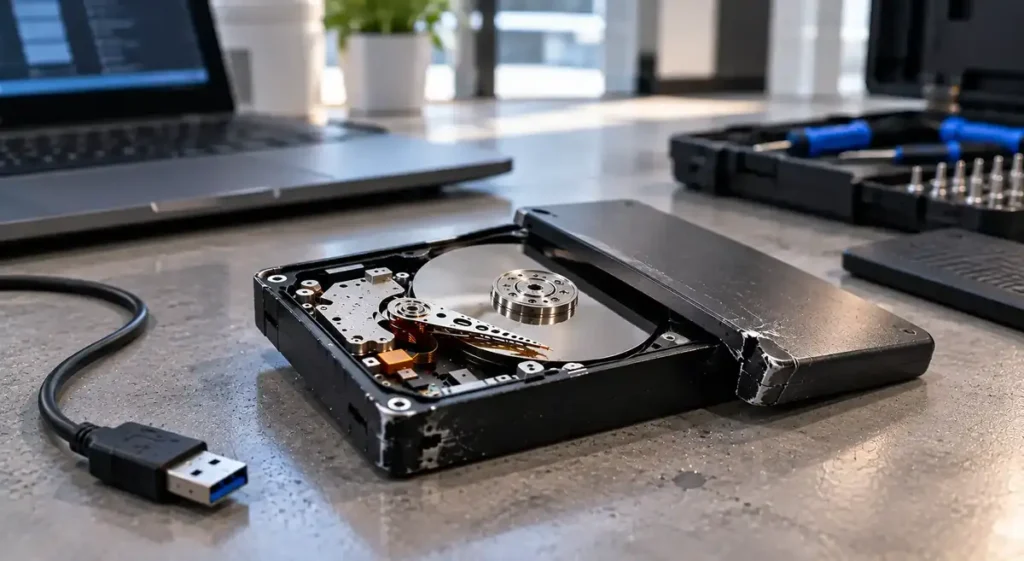
Do not continue connecting a drive that makes unusual sounds. Mechanical damage can worsen each time the disk spins.
Our specialists identify the cause of the failure and select a recovery method based on the drive’s condition.
Data Recovery from a Formatted External Hard Drive
Data recovery from a formatted external hard drive may be possible if the original information has not been overwritten.
Stop using the drive immediately after accidental formatting. Do not create a new partition, reinstall software, or save recovered files back to the same device.
A professional examination can determine whether the original file structure or individual files remain recoverable.
The result depends on:
- Whether a quick or full format was performed
- The file system used
- Whether new files were saved afterward
- Whether the drive contains bad sectors
- Whether encryption was enabled
- The physical condition of the disk
Data Recovery from a Wet External Hard Drive
If your drive gets wet:
- Disconnect it from power
- Do not reconnect it to test whether it works
- Do not use a hair dryer, oven, heater, or direct sunlight
- Do not open the drive yourself
- Keep it in its current condition
- Contact a data recovery specialist as soon as possible
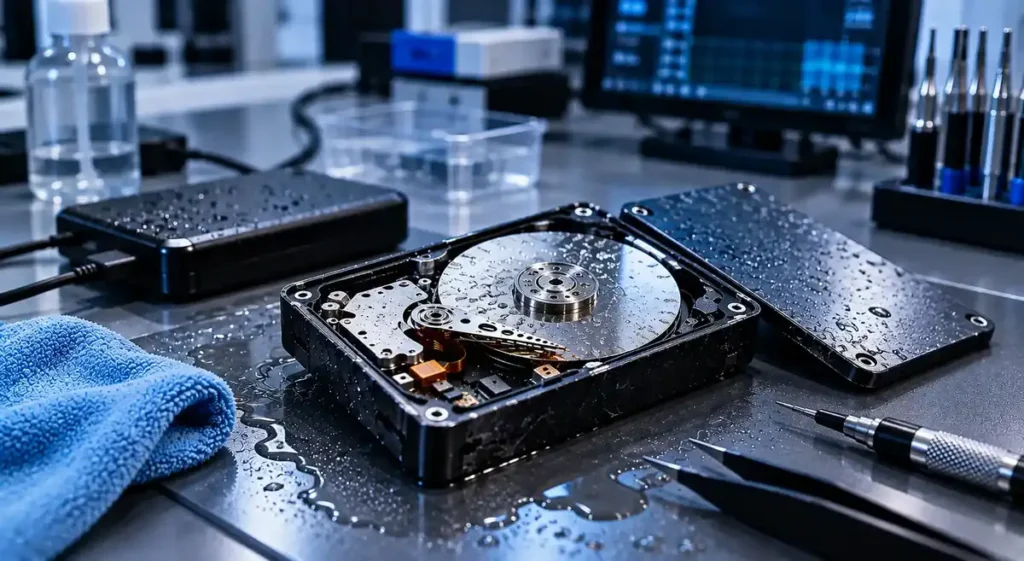
Water, coffee, and other liquids can damage the USB connector, enclosure, circuit board, and internal components of an external hard drive.
Heat can deform components, while powering a wet drive may cause a short circuit. Opening the sealed hard drive outside a controlled environment can introduce dust and contamination.
Our technicians inspect the drive and determine whether electronic repair, professional cleaning, or cleanroom work is required.
Recovering Deleted Files from an External Hard Drive
Deleted files may remain recoverable until their storage space is overwritten by new information.
Stop using the external drive as soon as you notice that files are missing. Even normal actions such as moving folders, creating documents, or installing recovery software can overwrite deleted data.
Never restore recovered files to the same external hard drive. They should be saved to a separate, healthy storage device.
Professional recovery may help with:
- Accidentally deleted files
- Emptied Recycle Bin or Trash
- Missing folders
- Deleted partitions
- File-system corruption
- Files lost after an interrupted transfer
- Data removed during formatting
Data Recovery from a Dropped External Hard Drive
A dropped external hard drive may sustain internal mechanical damage even if the enclosure appears undamaged.
The impact can damage the read/write heads, motor, spindle, platters, USB connector, or circuit board. A drive that clicks, beeps, or no longer spins should not be powered on again.
Repeated attempts to start a mechanically damaged drive can cause the heads to scratch the platter surface, permanently destroying recoverable data.
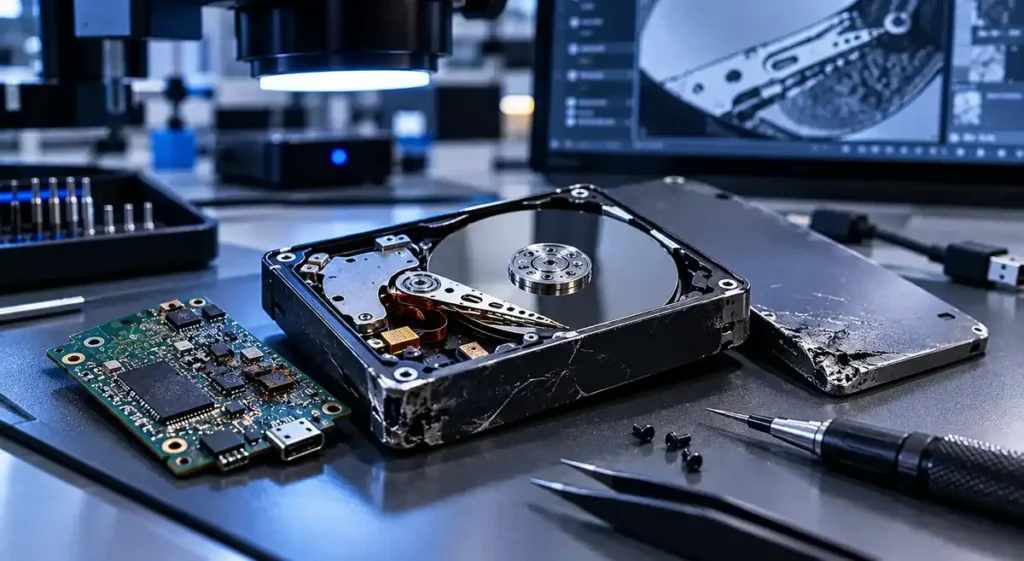
When internal repair is required, our specialists open the drive in a Class 100 cleanroom to reduce the risk of contamination.
External Hard Drive Brands and Interfaces We Support
Brands We Support
We recover data from external hard drives from major manufacturers, including:
- Western Digital
- Seagate
- Toshiba
- LaCie
- G-Technology
- Transcend
- Verbatim
- ADATA
- Intenso
- Buffalo
- Samsung
- SanDisk
Interfaces & Formats
We also work with different external drive connections and formats, including:
- USB-A
- USB-C
- Thunderbolt
- Micro-USB
- Portable 2.5-inch drives
- Desktop 3.5-inch drives
- Encrypted external drives
- External hard drive enclosures
If your brand or model is not listed, contact us with the information printed on the drive.
Stop Using the Drive and Request a Free Assessment
A failing external hard drive rarely improves on its own. Repeated connections, repair software, formatting, and do-it-yourself methods may reduce the chance of recovery.
Tell us the drive model, what happened, and which files matter most. We will explain how to submit it for professional examination.
Stop using the drive if it:
- Makes clicking or beeping sounds
- Is not detected
- Disconnects during file transfers
- Becomes unusually slow
- Requests formatting
- Has been dropped or exposed to liquid
- Contains files that suddenly disappeared
Why Choose mService Sweden AB?
External hard drive recovery requires the right combination of technical experience, professional equipment, and careful data handling.
Customers choose mService Sweden AB because we provide:
More than 25 years of data recovery experience
Experience with over 5,000 storage devices
Free initial examination
PC-3000 data recovery systems
A professional Class 100 cleanroom
Support for logical, electronic, and mechanical failures
Clear recovery options and costs before work begins
Confidential handling of customer devices and data
Services for individuals, businesses, authorities, and organizations
Data recovery in Stockholm and throughout Sweden
No responsible specialist can guarantee recovery before examining the drive. We provide a realistic assessment based on its actual condition.
Our External Hard Drive Recovery Process
We keep every stage clear, from the initial examination to the secure delivery of your recovered files.
Contact Us
Contact us and describe the external hard drive problem.
Send the Drive
Deliver or securely send the drive to our Stockholm laboratory.
Free Examination
Free examination to identify the failure and assess recoverability.
Clear Recommendation
Clear recovery recommendation with the expected cost and available options.
Professional Recovery
Professional data recovery after receiving your approval.
Secure Delivery
Secure delivery of the recovered files with full confidentiality.
Advanced Recovery in a Class 100 Cleanroom
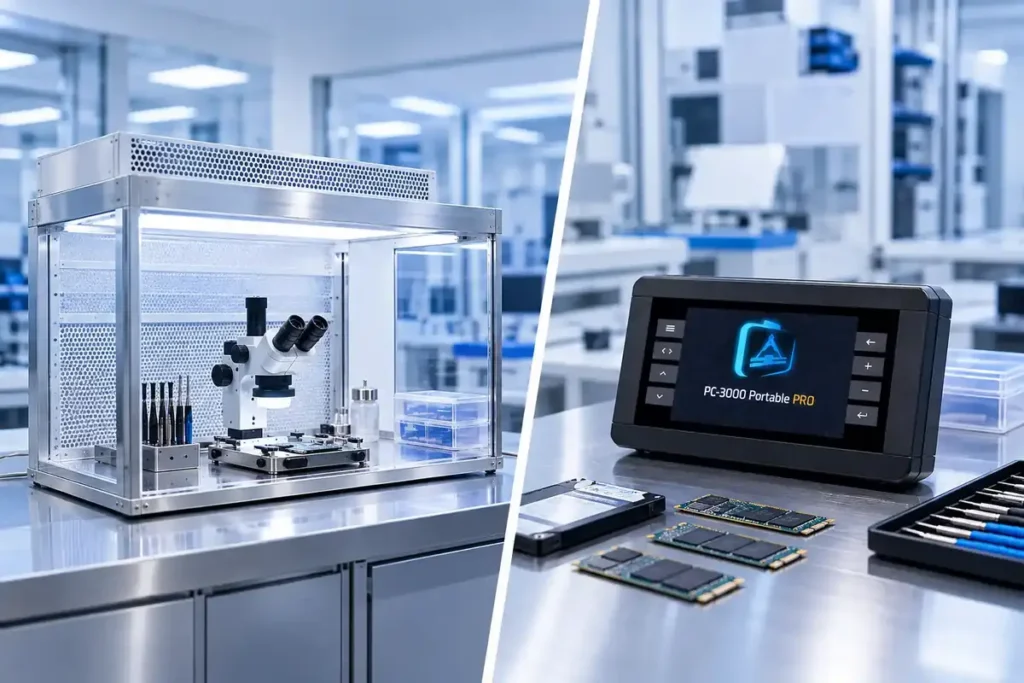
A hard drive should never be opened in a normal office, workshop, or home environment. Dust particles can settle on the platters and cause further damage when the drive begins spinning.
Our Class 100 cleanroom provides a controlled environment for advanced mechanical work, including cases involving:
- Damaged read and write heads
- Internal contamination
- Seized motors
- Platter access problems
- Impact damage
- Water or liquid exposure
PC-3000 Systems
We also use PC-3000 systems for professional diagnostics, firmware work, controlled disk access, and creating stable sector-by-sector copies. These resources allow us to work carefully with unstable drives and prioritize the most important data.
External Hard Drive Data Recovery Cost
The cost of external hard drive recovery depends on the type of failure and the work required.
Logical problems are usually different from cases involving damaged heads, failed motors, burnt circuit boards, liquid exposure, or scratched platters. The drive model, capacity, encryption, and condition also influence the recovery process.
Free examination. Recovery work begins only after you approve the proposed solution.
We begin with a free examination. You then receive information about:
- The cause of the failure
- The likelihood of recovery
- The recommended recovery method
- The expected cost
- The estimated time required
External Hard Drive Recovery in Stockholm
mService Sweden AB
Sveavägen 136
113 50 Stockholm
Sweden
We primarily serve customers in Stockholm and nearby areas, including:
- Kungsholmen
- Vasastan
- Norrmalm
- Östermalm
- Södermalm
- Bromma
- Solna
- Sundbyberg
- Nacka
- Lidingö
- Danderyd
- Täby
- Sollentuna
- Järfälla
- Huddinge
Customers from other parts of Sweden can contact us for instructions on securely packaging and sending an external hard drive to our laboratory.
Start Your External Hard Drive Recovery Case Today
A damaged, formatted, wet, or dropped external hard drive does not always mean that your files are permanently lost.
Stop using the drive and let our specialists assess it before additional damage or overwriting occurs.
Frequently Asked Questions
Can data be recovered from an external hard drive that is not detected?
Recovery may be possible. The problem could involve the USB cable, enclosure, connector, circuit board, firmware, read and write heads, or internal media. A professional examination is needed to identify the actual fault.
Can you recover data from a formatted external hard drive?
In many cases, yes, provided the original data has not been overwritten. Recovery depends on the formatting method, file system, subsequent use, encryption, and the drive’s physical condition.
Can deleted files be recovered from an external hard drive?
Deleted files may remain recoverable until new data overwrites the storage space they occupied. Stop using the drive immediately and avoid installing recovery software on it.
What should I do if my external hard drive is clicking?
Disconnect it immediately. Clicking typically indicates a mechanical problem with the read/write heads. Continued use may scratch the platter surface and cause permanent data loss.
Can you recover data from a dropped external hard drive?
Possibly. A dropped drive may have damaged heads, platters, connectors, or electronic components. Do not power it on again before professional assessment.
Can data be recovered from a wet external hard drive?
Recovery may be possible, but the drive should not be powered on or heated. Contact a specialist quickly so that corrosion and electronic damage can be assessed.