
RAID Data Recovery
If your RAID arrays are damaged, inaccessible, degraded, or completely unavailable, stop using the system and contact mService Sweden AB before attempting another rebuild or replacing additional drives.
We provide professional RAID data recovery for failed arrays, servers, NAS devices, and business storage systems. With more than 25 years of experience, our specialists recover data from complex logical, electronic, and mechanical failures.
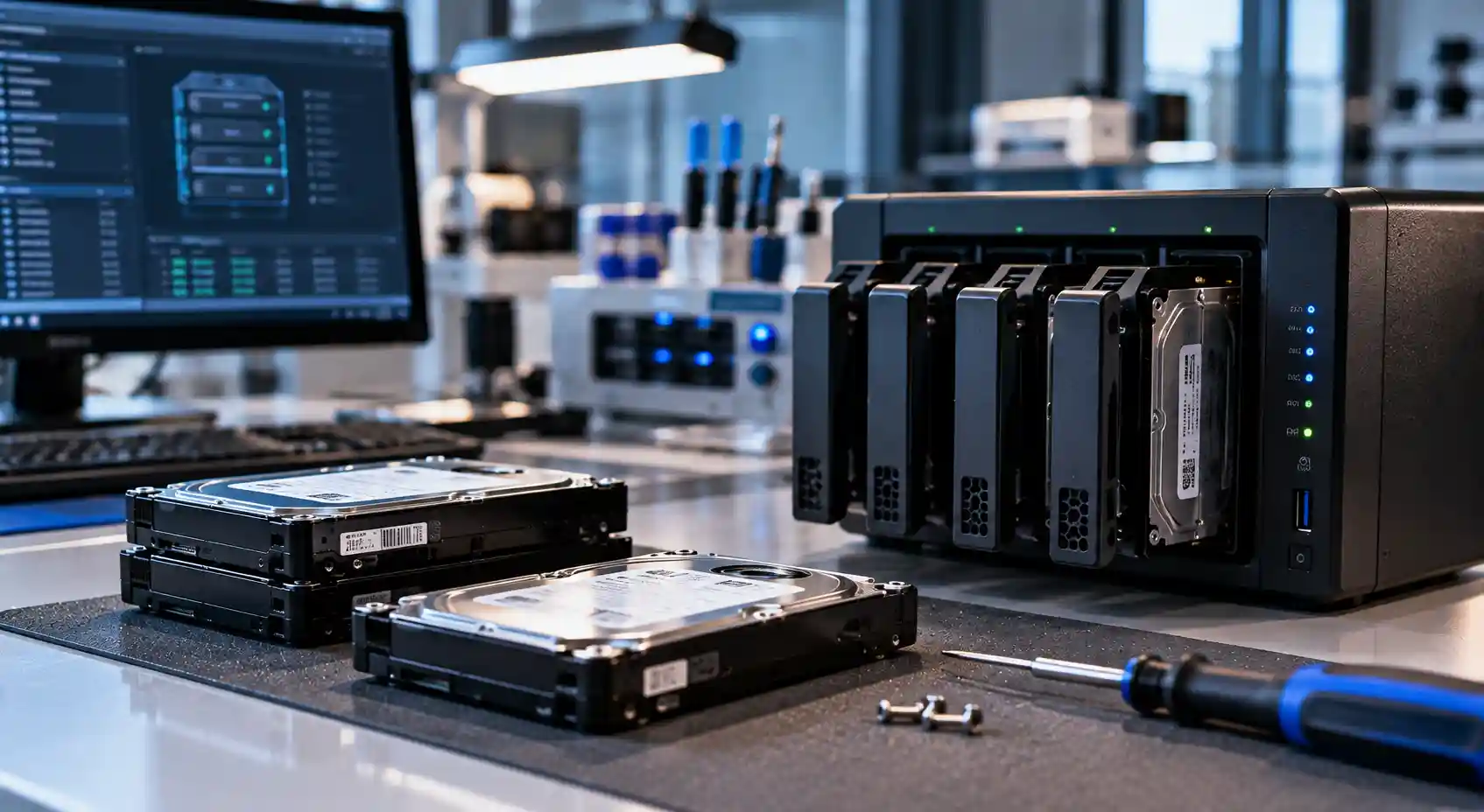
- Over 25 years of experience
- Advanced RAID reconstruction
- PC-3000 technology
- Confidential data handling
Professional RAID Data Recovery in Stockholm
A failed RAID system can interrupt business operations and block access to critical files, databases, virtual machines, backups, and customer information.
RAID recovery requires more than repairing an individual hard drive. The complete configuration must be understood, including the disk order, RAID level, stripe size, parity rotation, controller settings, and file system.
Our specialists examine the drives separately before reconstructing the array in a controlled environment. This approach protects the original media and reduces the risk of further data loss.
RAID Failures We Can Help You Recover Data From
We provide RAID data recovery for logical, electronic, and mechanical failures, including:
- One or more failed hard drives
- RAID arrays that have become degraded
- Multiple drive failures
- Failed or interrupted rebuilds
- Incorrect disk replacement
- Incorrect disk order
- Controller or motherboard failure
- Damaged or loss of configuration
- Lost or deleted RAID volumes
- Accidental formatting
- File-system corruption
- Power surges and electrical damage
- Bad sectors and unreadable drives
- NAS or server operating-system failure
- Failed firmware updates
- Water, fire, or impact damage
- Ransomware or accidental deletion
- RAID systems that no longer start
If the RAID contains important data, shut it down safely. Do not initialize, rebuild, reconfigure, or format the array.
RAID Hard Drive Data Recovery
RAID hard drive data recovery begins with the individual drives rather than the active array.
Each disk must be identified, labeled, and examined without changing its original data. We assess the physical condition, electronic components, firmware, and readable sectors of every drive.
When possible, we create controlled sector-by-sector images. The RAID is then virtually reconstructed using the copies instead of the original disks.
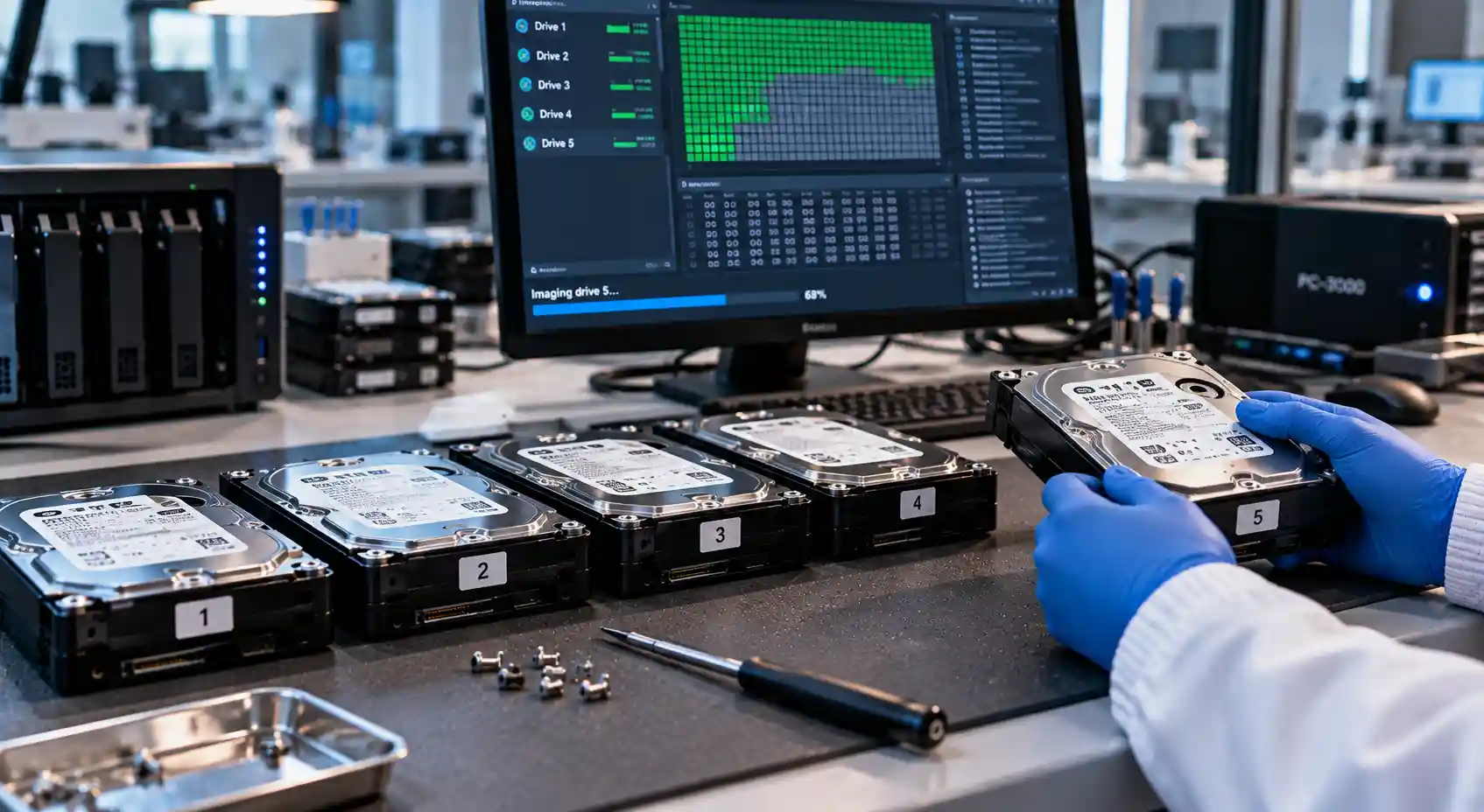
This process may involve identifying:
- Original disk order
- RAID level
- Stripe or block size
- Parity direction and rotation
- Data offset
- Missing or failed members
- File-system structure
- Previous rebuild activity
Data Recovery for Failed RAID Arrays
A RAID array may fail even when only one disk initially develops a problem. A second weak drive, controller error, power interruption, or incorrect rebuild can then make the entire volume inaccessible.
Common signs of a failed RAID include:
- The volume has disappeared
- The system reports a degraded array
- Several drives appear offline
- The RAID controller requests initialization
- The server or NAS no longer starts
- Shared folders are unavailable
- Files appear corrupted
- The array reports an incorrect capacity
- A rebuild has stopped or failed
- The system repeatedly disconnects
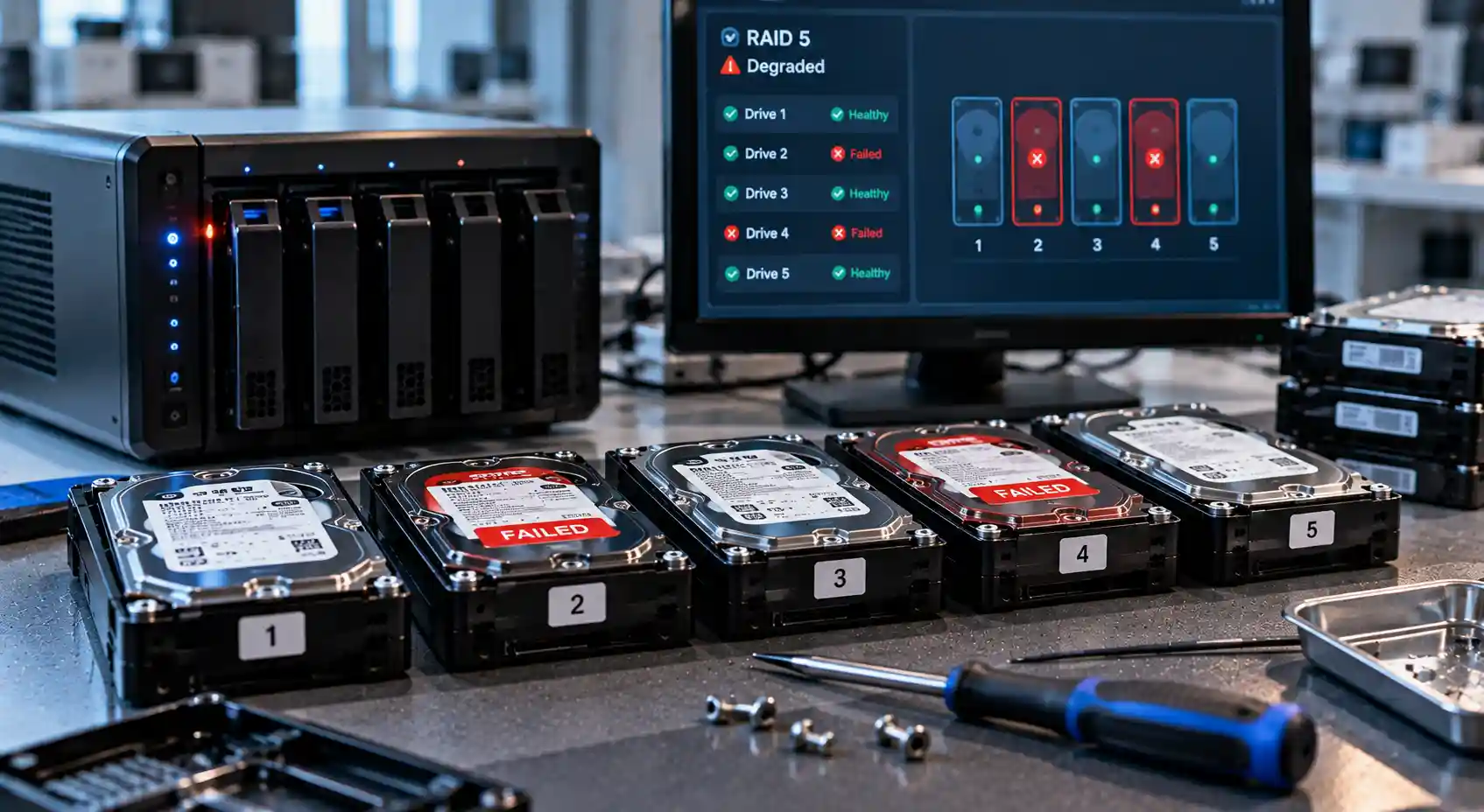
For this reason:
- Do not replace additional drives
- Do not force disks back online
- Do not change the drive order
- Do not start another rebuild
- Do not run file-system repair tools
- Record all error messages and recent actions
- Keep every original drive, including previously removed disks
RAID Recovery After Multiple Drive Failures
RAID redundancy has limits. RAID 5 generally tolerates one failed drive, while RAID 6 is designed to tolerate two. If additional drives fail or contain unreadable areas, the array may become unavailable.
Recovery may still be possible by extracting the maximum readable data from each member and rebuilding the array virtually.
The order in which drives failed can be important. A disk marked offline earlier may contain more consistent data than a recently failed disk involved in an incomplete rebuild.
Recovering Data from a Rebuilt or Reconfigured RAID
A rebuild does not recover lost files. It writes data and parity across the array based on the system’s current understanding of the configuration.
If the wrong disk is selected, the drive order is incorrect, or another member contains unreadable sectors, a rebuild can overwrite valid information with corrupted data.
Recovery may be possible after:
- A rebuild using the wrong replacement drive
- An interrupted RAID rebuild
- An array rebuilt with an incorrect disk order
- Accidental RAID reconfiguration
- A RAID level change
- Controller replacement
- Initialization of an existing array
- Creation of a new volume over the old configuration
NAS, Server, and Storage System RAID Recovery
We recover RAID data from a wide range of business and personal storage systems, including:
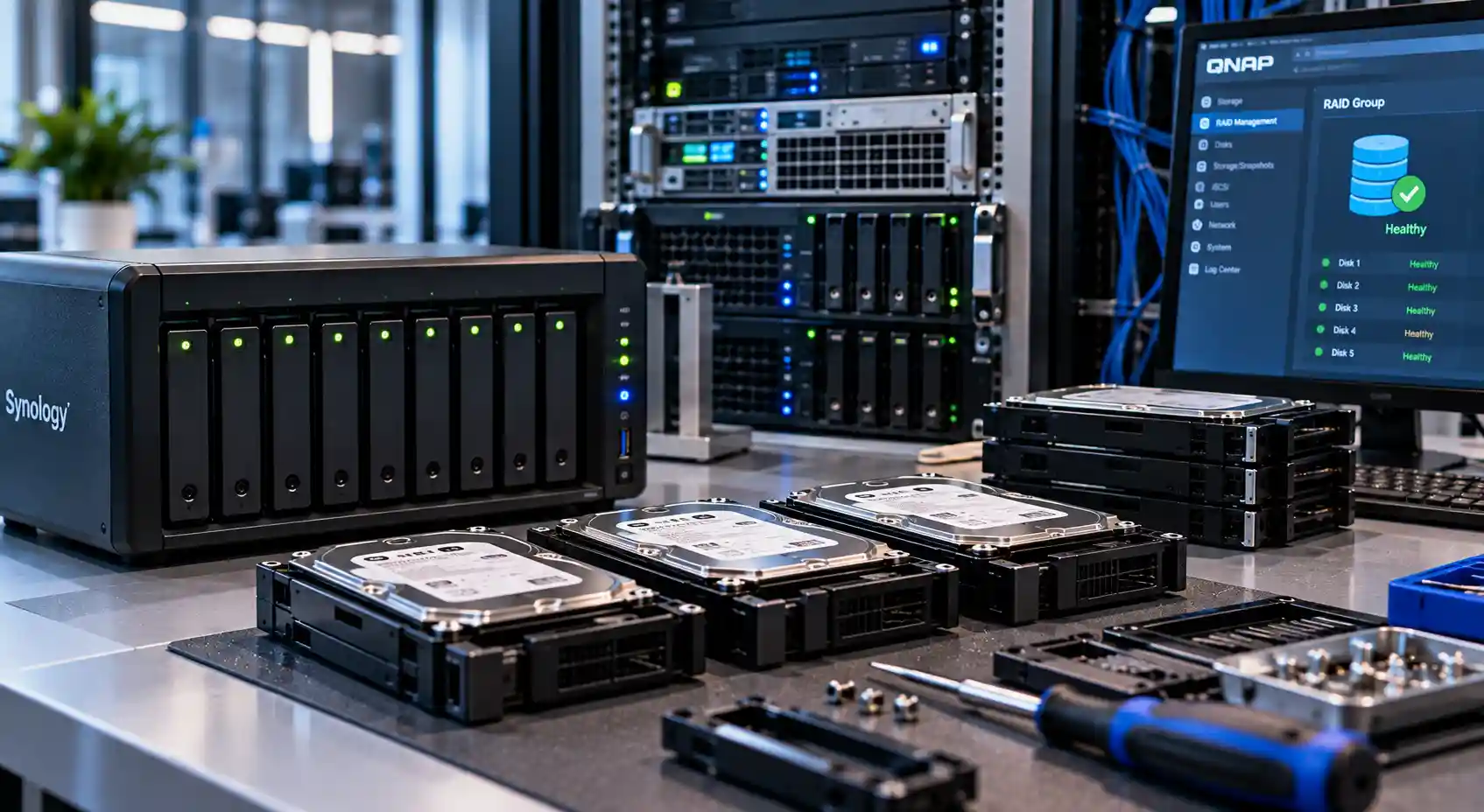
- NAS devices
- File servers
- Database servers
- Virtualization hosts
- Direct-attached storage
- Multi-bay external enclosures
- Backup appliances
- CCTV and surveillance storage
- QNAP systems
- Synology systems
- Windows servers
- Linux-based storage systems
- Hardware RAID controllers
- Software-defined RAID arrays
We work with common configurations such as:
- RAID 0
- RAID 1
- RAID 5
- RAID 6
- RAID 10
- Nested RAID configurations
- JBOD and spanning volumes
- Hardware RAID
- Software RAID
Why Choose mService Sweden AB for RAID Recovery?
RAID recovery is a specialist service. A single incorrect action can alter parity, metadata, drive order, or file-system structures across several disks.
Customers choose mService Sweden AB because we provide:
- More than 25 years of professional data recovery experience
- Experience with over 5,000 storage devices
- Specialist RAID and server diagnostics
- Free initial examination
- PC-3000 data recovery systems
- A Class 100 cleanroom for physically damaged drives
- Virtual RAID reconstruction
- Support for NAS, servers, and multi-drive storage
- Clear recommendations before recovery begins
- Secure and confidential data handling
- Services for individuals, businesses, authorities, and organizations
Our RAID Data Recovery Process
- Initial consultation to understand the RAID configuration and failure
- Individual examination of every RAID drive to identify physical and logical damage
- Sector-by-sector imaging to protect the original drives from further stress
- Virtual RAID reconstruction using the original disk order and configuration
- File-system analysis and verification of the recoverable data
- Secure delivery of the recovered files with full confidentiality
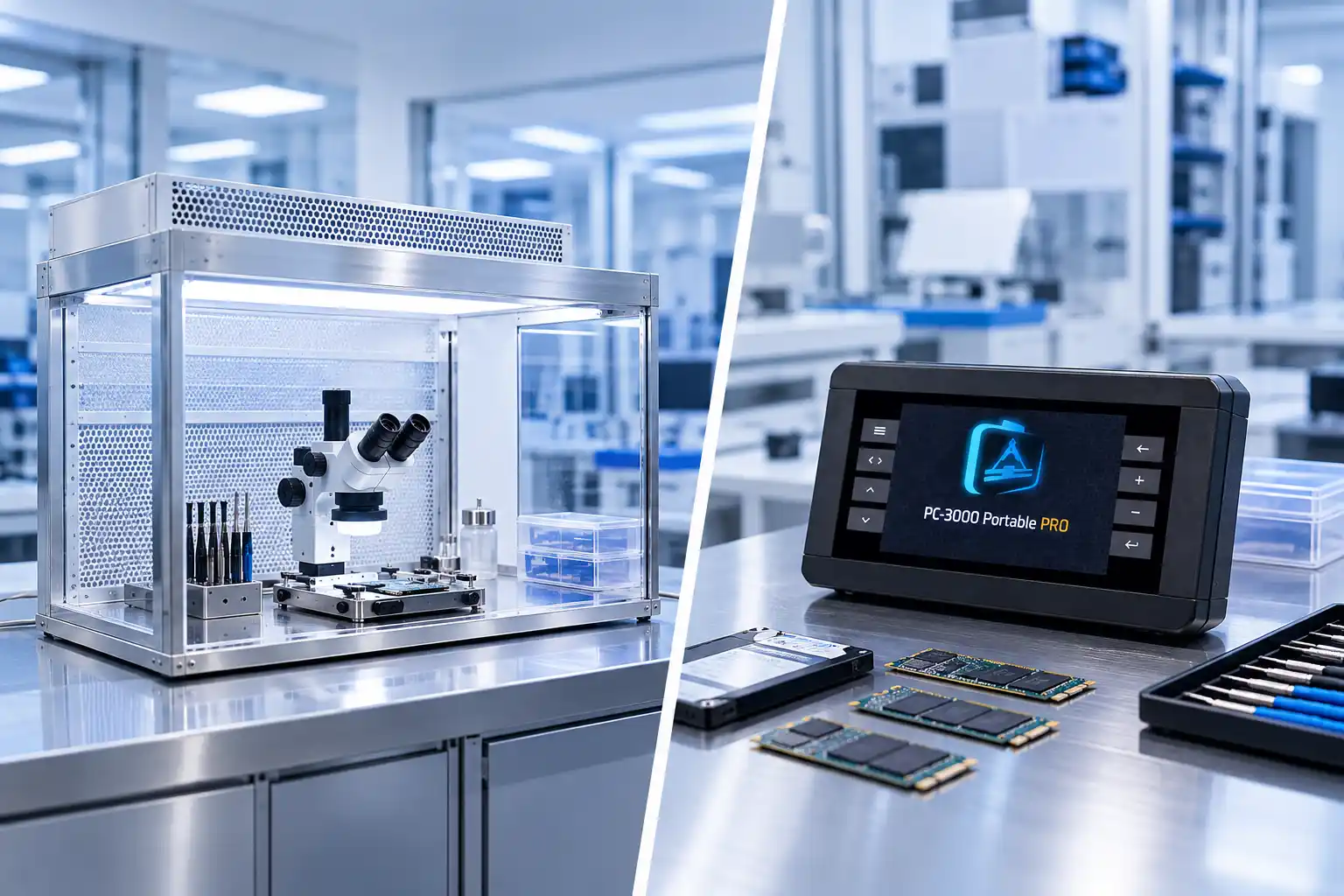
When a RAID member has damaged read and write heads or internal contamination, it may need to be opened. This work is performed in a Class 100 cleanroom to reduce exposure to dust and airborne particles.
Advanced RAID Recovery Tools and Cleanroom Facilities
mService Sweden AB uses professional technology for complex RAID hard drive data recovery.
Our PC-3000 systems help specialists diagnose firmware problems, work with unstable drives, control reading procedures, and create the best possible disk images.
Our recovery resources support:
- Controlled imaging of unstable drives
- Firmware-level diagnostics
- Bad-sector management
- Head replacement when appropriate
- Electronic and circuit-board diagnostics
- RAID parameter analysis
- Virtual array reconstruction
- File-system repair and data extraction
RAID Data Recovery in Stockholm
Our data recovery laboratory is located at:
mService Sweden AB
Sveavägen 136
113 50 Stockholm
Sweden
We help customers in Stockholm and nearby areas, including:
- Kungsholmen
- Vasastan
- Norrmalm
- Östermalm
- Södermalm
- Bromma
- Solna
- Sundbyberg
- Nacka
- Lidingö
- Danderyd
- Täby
- Sollentuna
- Järfälla
- Huddinge
Start Your RAID Recovery Case Today
A degraded or failed RAID should not be treated like a single damaged drive. Rebuilds, controller changes, and automatic repair tools can alter data across the entire array.
Shut down the system, preserve every drive, and let our specialists assess the configuration before further changes are made.
Frequently Asked Questions About RAID Recovery
Can data be recovered from a failed RAID?
Recovery may be possible if enough usable data remains across the member drives. The outcome depends on the RAID level, number of failed disks, physical condition, rebuild history, and whether data has been overwritten.
What should I do when a RAID becomes degraded?
Back up accessible data immediately if the system is stable. If the volume is unavailable or a drive makes unusual sounds, shut the system down and request professional advice before replacing disks or starting a rebuild.
Should I rebuild a failed RAID?
Not before understanding why it failed. A rebuild writes across the array and may overwrite valid data when the wrong drive is selected or another member is unstable.
Can you recover data after a failed RAID rebuild?
In some cases, yes. Recovery depends on how far the rebuild progressed, which disk was used, and whether original data or parity was overwritten.
Can RAID data be recovered after multiple drive failures?
Possibly. Specialists may extract readable sectors from each disk and virtually reconstruct the array. All original and previously removed drives should be included in the assessment.